


A cross-platform Git GUI client for Windows, macOS, and Linux.
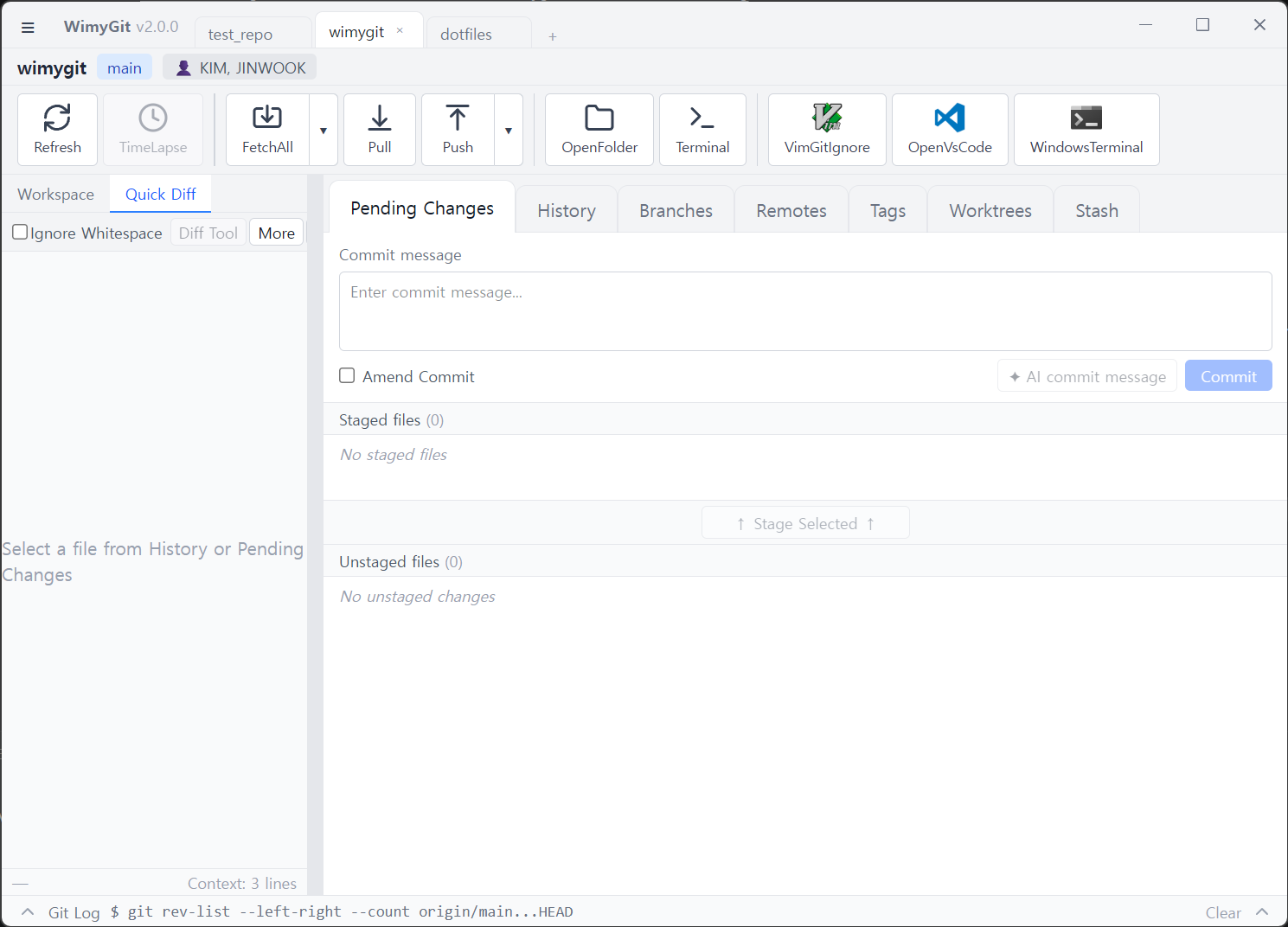
- Multi-tab Interface - Manage multiple repositories simultaneously
- Directory Tree Navigation - Browse repositories with an intuitive tree view
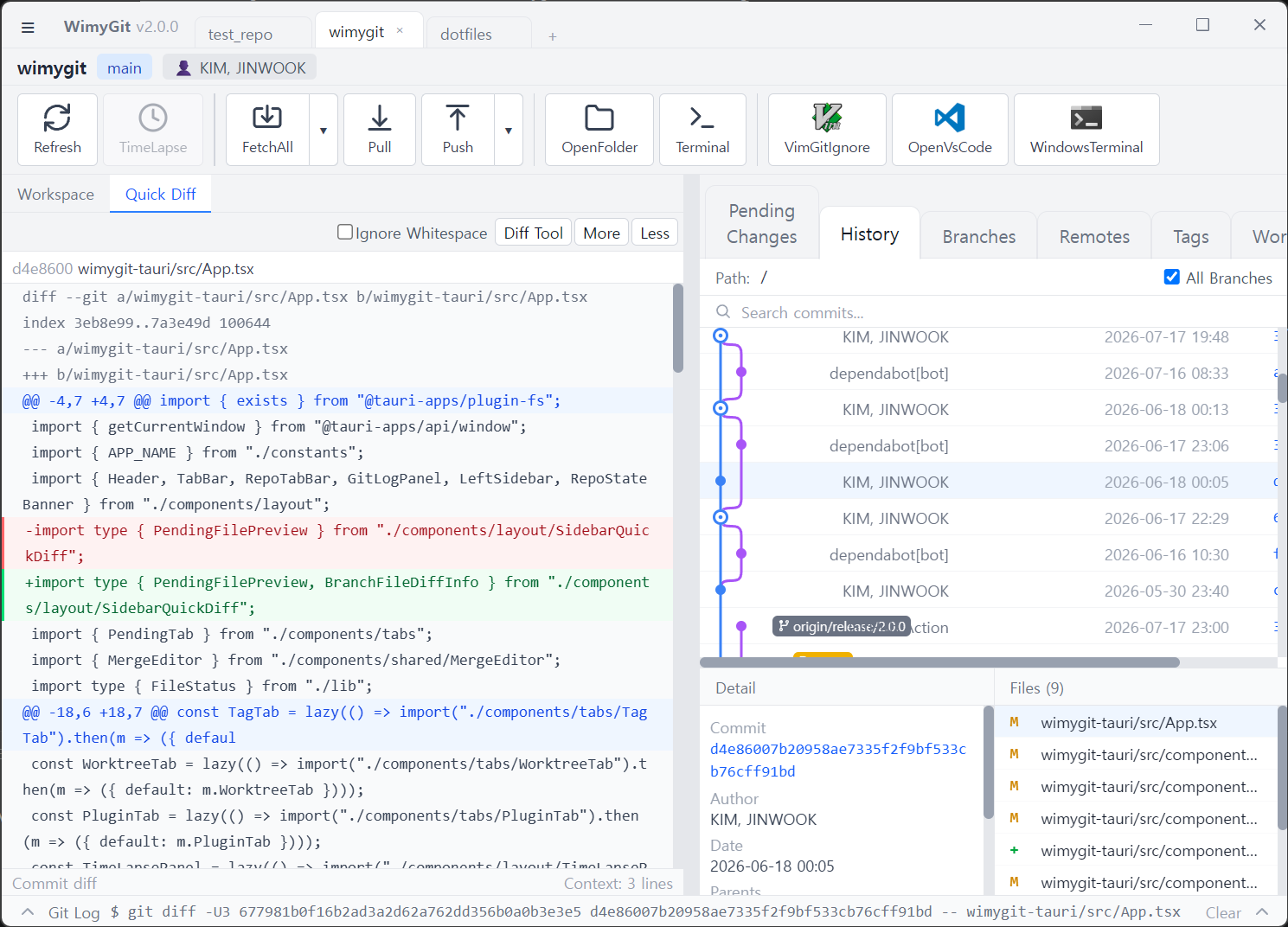
- History Viewer - View and search commit history with detailed diff views
- Staging Area - Stage, unstage, and commit changes easily
- Branch Management - Create, delete, and checkout branches
- Remote Operations - Push, pull, and fetch from remote repositories
- Stash Support - Save and restore work in progress
- Tag Management - Create and manage Git tags
- Quick Diff - Compare commits with parent commits (^1, ^2, etc.)
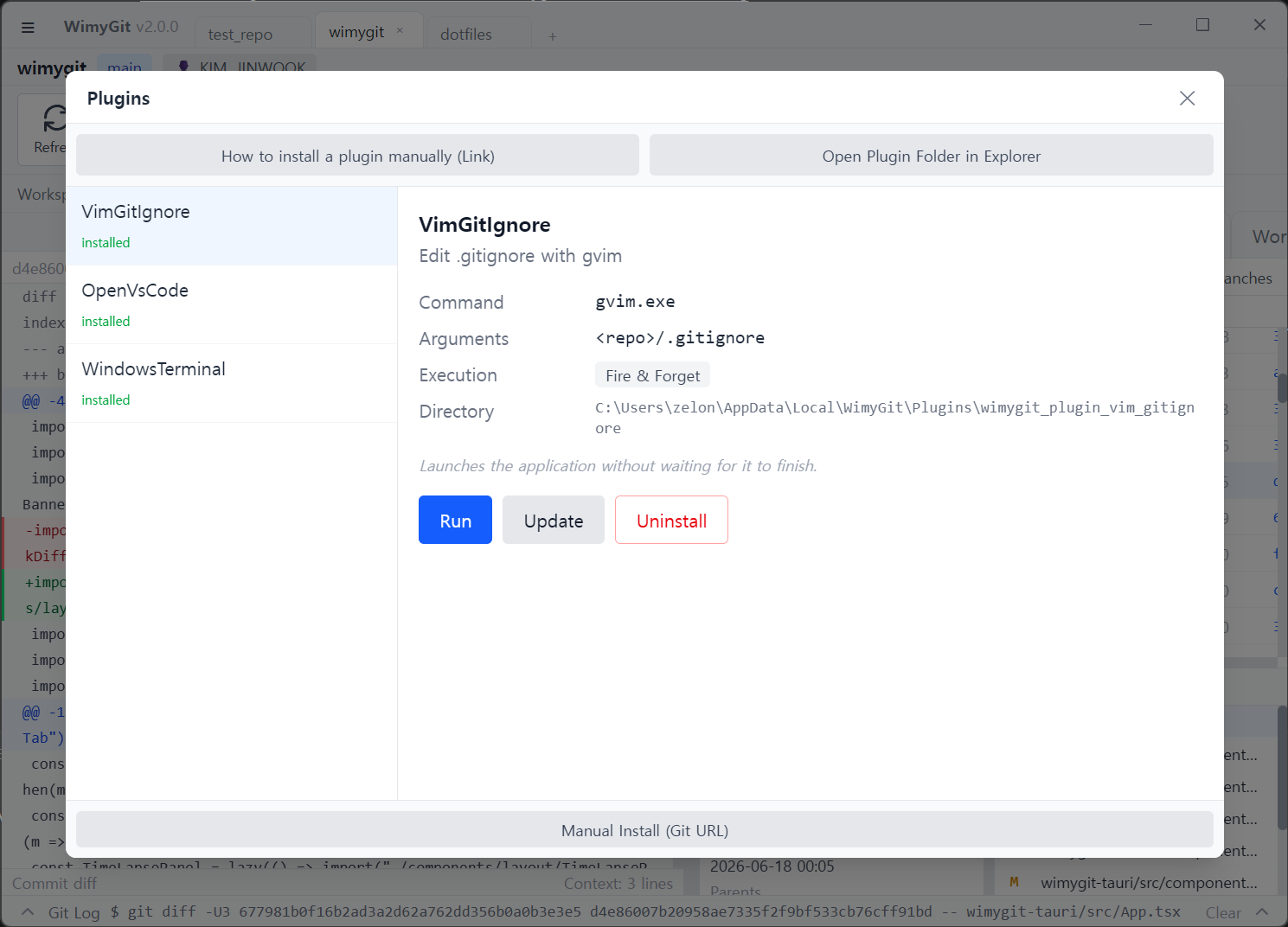
- Plugin System - Extend functionality with plugins
winget install Wimysoft.wimygitDownload the latest release for your platform from GitHub Releases: .msi/.exe for Windows, .dmg for macOS, or .deb/.rpm/.AppImage for Linux.
Sometimes the gatekeeper blocks the app, run the following command:
xattr -c /Applications/Wimygit.app
| Component | Technology |
|---|---|
| Backend | Rust, Tauri 2 |
| Frontend | React 19, TypeScript, Vite, Tailwind CSS |
| Platform | Windows, macOS, Linux |
| IDE | VS Code (recommended) |
cd wimygit-tauri
npm install
npm run tauri:dev    # run the app in development mode
npm run tauri:build  # build a release bundle for your platform
Requirements: Node.js 24+, a stable Rust toolchain, and (on Linux) libwebkit2gtk-4.1-dev, libappindicator3-dev, librsvg2-dev.
- TypeScript/React code is linted with ESLint (
npm run lintinwimygit-tauri/). - Rust code follows standard
rustfmtformatting. - See
.editorconfigfor shared editor settings.
- Fork the repository
- Create a feature branch (
git checkout -b feature/amazing-feature) - Commit your changes (
git commit -m 'Add amazing feature') - Push to the branch (
git push origin feature/amazing-feature) - Open a Pull Request
rust tauri react typescript windows macos linux git git-client desktop-app