
For the project I decided to pick the Connect4 for the Java implementation. As I had previous experience in the first year in the module introduction to programming which I did the implementing in Python but now in Java but adding multiplayer. However, the challenge I faced for this module was that the previous implementation of the game was coded in Python which has a different syntax and format which I needed to take into account when planning for this Java Project. For planning the project I used Trello boards to plan out the tasks that I needed to do.

I mostly focused on the GUI on the early development stages. As such it help me along the way to implement the logic in visual manner. In the real world, most games played have a graphical interface. Thus, feedback could easily be helpful for players as it is visual instead of text based.


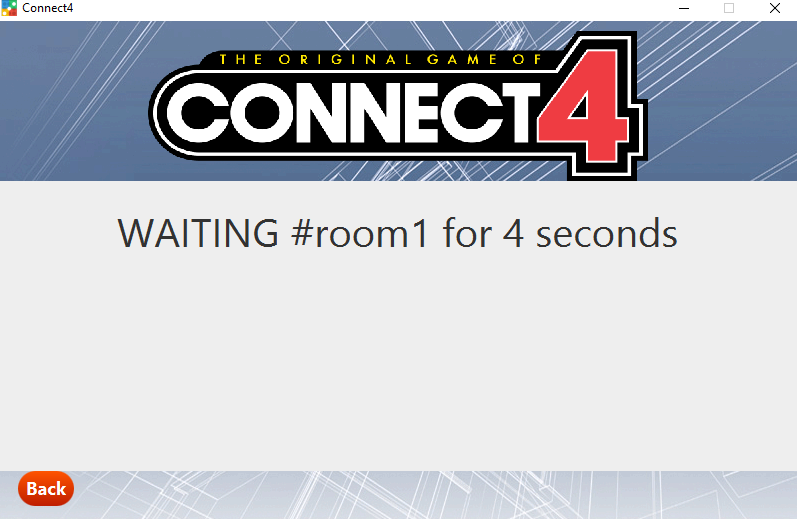
- While implementing the game, I have to surely design features which will then helps the user to play the game.
- This includes: The Human player, The AI Player, Game can be played on the online server (LAN).
- Easy, medium and advanced difficulty
- Animations for the player counter dropping down
- Client to client text based chatting service
- Red and yellow counters for player selection
- 2 second wait time
- All the main feature is implemented in a GUI
I layouted the code in three package which is bcu/cmp5308/gameserver, client and client.GUI. The gameserver package consists of commands that I have used throughout the client socket communication that have helped me to relay information to the GameServer which listens to socket.accept within the GameConnection class and relays the information to other client. Regex validation for the username and channel names. Also used the flip coin method to decide who goes first within the game.
Client packages consists of AI.java, CanDifficulty.java, Client.java, GameBoard.java, GameProgress.java, Player.java (Logic behind the connect4)
GameBoard is a model class that is responsible for handling the corresponding attributed that are used throughout the GameBoardScene class that accessed thought a accessor method. For example a dice to fall down and occupying the next available space inside the column, would require checkColumnFull and motionDiceNextPoition.
AI class used CanDifficulty interface to inforce its rules on the AI class which is required to implement easy, medium and hard methods.
Client class is the most important class in the connect4 game that allows the player to communicate with the server so it can create a channel 1v1 mode. For this to happen I used the predefined commands in the Client class. Whenever a client creates a socket it is connected to the GameServer and GameConnection classes also it creates a new Thread that runs within a infinite while loop and also uses Platform.runlater() for JavaFX applications Thread as it is required. Whenever a client sends a command for example MOVE cmd would send the information to the server and it will relay it back to the other client which will catch the server response within a if statement that checks for pattern using regex. When it matches triggers an event.
Throughout the assessment I learned a lot of about client and server application. How there are interconnect by ServerSocket and Socket class. As we where learning how to implement client socket connection we started by looking at the gameserver package first so we can understand the underlay structure of how a server is coded. We used that principles in our Client class and even used port (Static getPort method), validation (static), rng username (static).