For this project, you will work with the Reacher environment.
| Random Agent | Trained Agent |
|---|---|
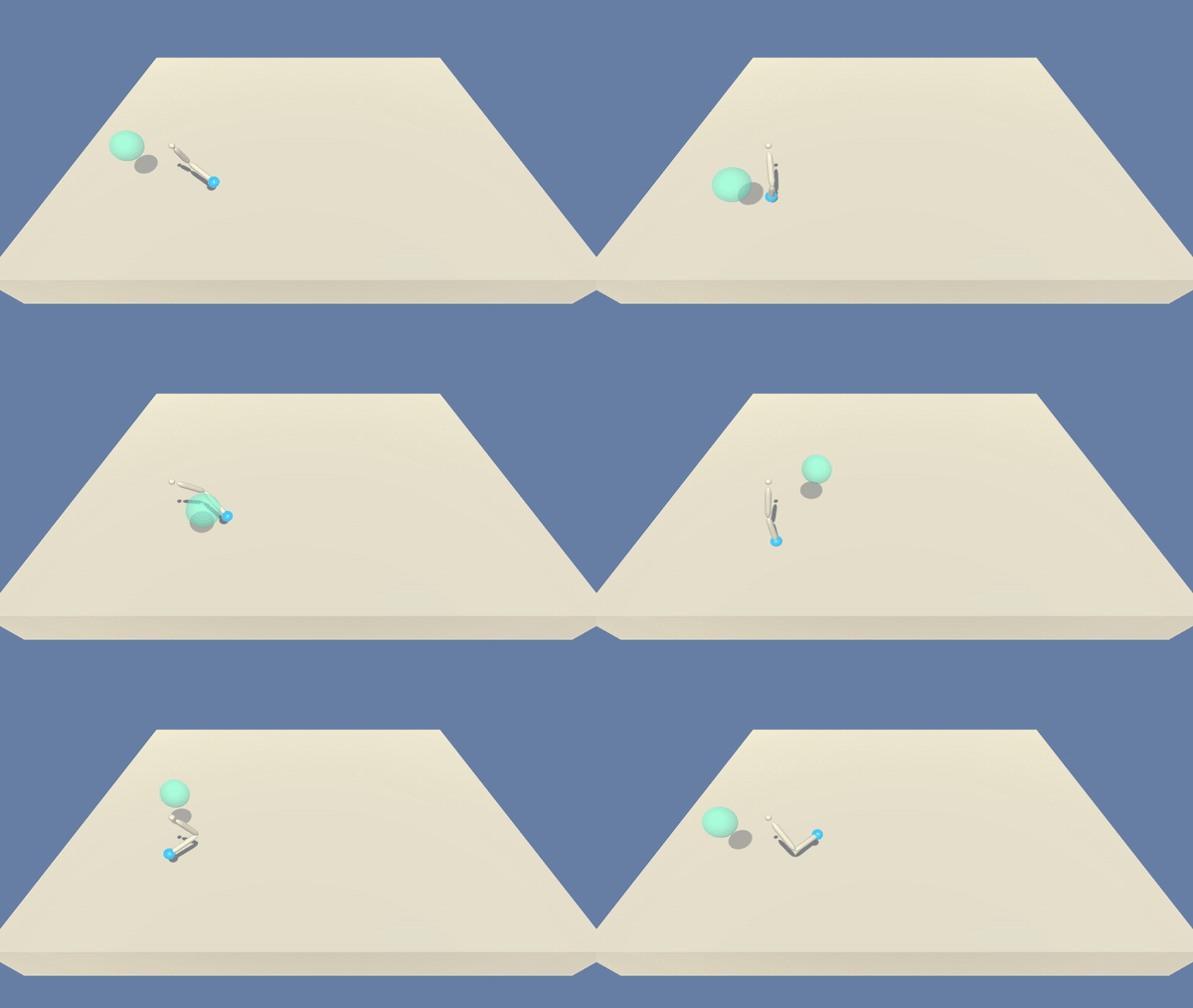 |
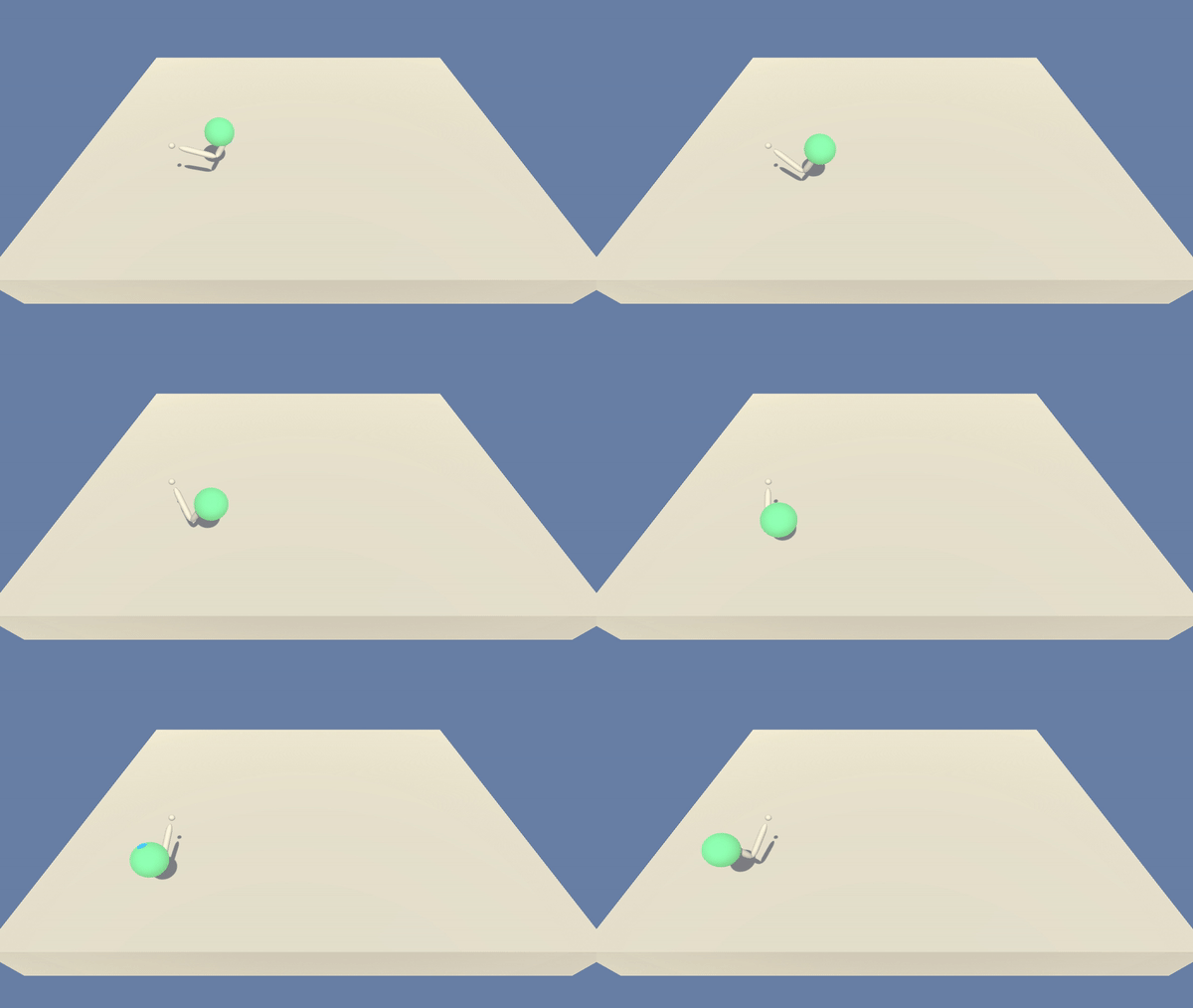 |
In this environment, a double-jointed arm can move to target locations. A reward of +0.1 is provided for each step that the agent's hand is in the goal location. Thus, the goal of your agent is to maintain its position at the target location for as many time steps as possible.
The observation space consists of 33 variables corresponding to position, rotation, velocity, and angular velocities of the arm. Each action is a vector with four numbers, corresponding to torque applicable to two joints. Every entry in the action vector should be a number between -1 and 1.
For this project, we will provide you with two separate versions of the Unity environment:
- The first version contains a single agent.
- The second version contains 20 identical agents, each with its own copy of the environment.
The second version is useful for algorithms like PPO, A3C, and D4PG that use multiple (non-interacting, parallel) copies of the same agent to distribute the task of gathering experience.
Note that your project submission need only solve one of the two versions of the environment.
The task is episodic, and in order to solve the environment, your agent must get an average score of +30 over 100 consecutive episodes.
-
Download the environment from one of the links below. You need only select the environment that matches your operating system:
- Version 1: One (1) Agent
- Linux: click here
- Mac OSX: click here
- Windows (32-bit): click here
- Windows (64-bit): click here
(For Windows users) Check out this link if you need help with determining if your computer is running a 32-bit version or 64-bit version of the Windows operating system.
(For AWS) If you'd like to train the agent on AWS (and have not enabled a virtual screen), then please use this link (version 1) or this link (version 2) to obtain the "headless" version of the environment. You will not be able to watch the agent without enabling a virtual screen, but you will be able to train the agent. (To watch the agent, you should follow the instructions to enable a virtual screen, and then download the environment for the Linux operating system above.)
- Version 1: One (1) Agent
-
Place the file in the DRLND GitHub repository, in the
p2_continuous-control/folder, and unzip (or decompress) the file.
To set up your python environment to run the code in this repository, follow the instructions below.
-
Create (and activate) a new environment with Python 3.6.
- Linux or Mac:
conda create --name drlnd python=3.6 source activate drlnd- Windows:
conda create --name drlnd python=3.6
activate drlnd
-
Follow the instructions in this repository to perform a minimal install of OpenAI gym.
-
Clone the repository (if you haven't already!), and navigate to the
python/folder. Then, install several dependencies.
git clone https://github.com/udacity/deep-reinforcement-learning.git
cd deep-reinforcement-learning/python
pip install .- Create an IPython kernel for the
drlndenvironment.
python -m ipykernel install --user --name drlnd --display-name "drlnd"- Before running code in a notebook, change the kernel to match the
drlndenvironment by using the drop-downKernelmenu.
For code for models and agents, see files model.py and ddpg_agent.py .
The training code for this project is in file Project2_Contiuous_Control.ipynd, and it will be easy to understand if you focus more on the 4. DDPG Agent part.