
A Craft CMS plugin to download any selection of assets from the control panel.
- Move the
downloadassetsdirectory into yourcraft/pluginsdirectory. - Go to Settings > Plugins from your Craft control panel and enable the
Download Assetsplugin - Go to your Dashboard, click the Gear, click "+ New Widget", and choose the type of "Download Local Assets"
- Hit Save, and return to your dashboard
- At any point, you can now download all of your assets from any local Source (or all local Sources at once) from the dashboard
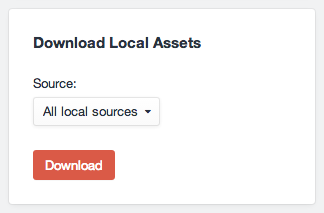
- Currently you can only download files from Local Sources. However, I'm absolutely open to suggestions that it should allow non-Local sources, if there are good use cases for that.
###1.0###
- Initial release
The initial Zip code comes from Bob Olde Hampsink's ZipAssets plugin.