
The best option for right now is to download the Processing Editor and start the programs from it. You will also need to install a couple of dependent libraries. But in Processing all that kind of stuff is really easy... check the tutorial video above.
import libs:
- osc
- minim
- controlP5
- ani
- geomerative
The first main element is the sound analyzer that triggers OSC signals to other sketches or VJ-software.
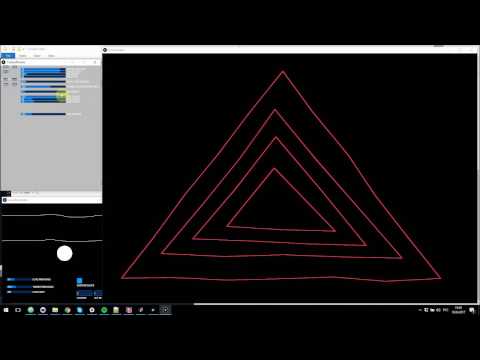
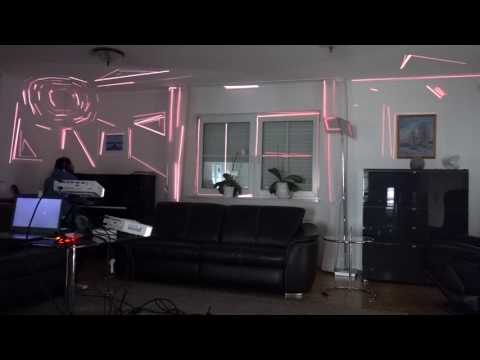
This Kinetic Edges sketch fits best for the highlighting of edges (objects, corner etc.) or simple drawings. On Beat (Kick) signal from the SoundAnalyzer the lines are getting noisy :)
Controls:
- right mouse button - new object
- left mouse button - new point in the object
To switch the output channel and fullscreen mode change the following lines in the KineticEdges tab:
static final int DISPLAY_NR = 2;
boolean fullscreen = false;
right now you can save only one drawing, but you can trick it by renaming
Re-SpaceTools are distributed under the MIT License. See the LICENSE file for further details.