







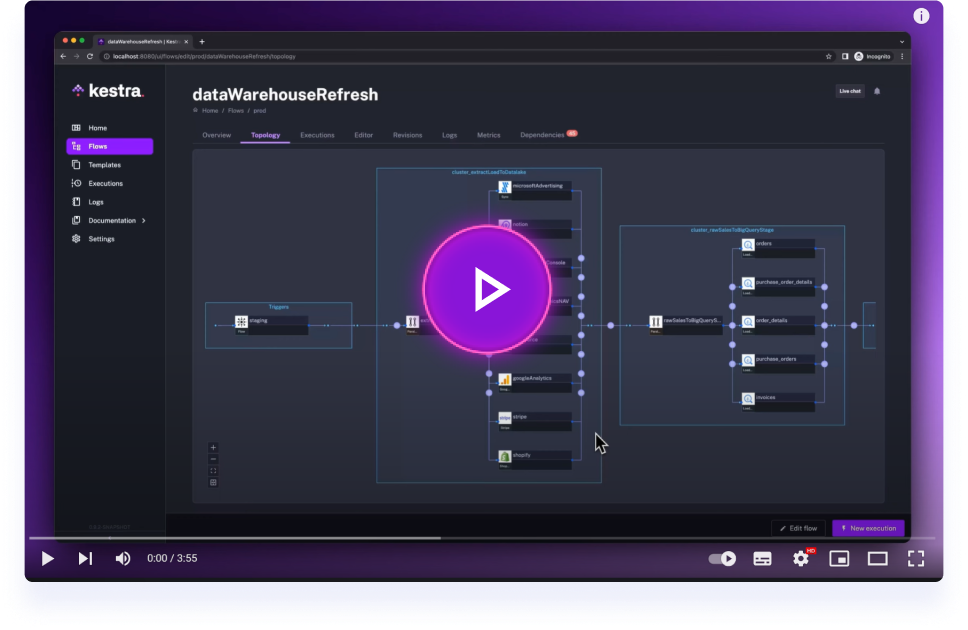
Get started with Kestra in 3 minutes.
Use Sent's messaging, contact, Sender Profile, template, and phone-number APIs in Kestra workflows, and start flows from signed Sent webhook events.
- 13 tasks under
io.kestra.plugin.sent: GetAccount, CreateContact, UpdateContact, GetContact, ListContacts, SendMessage, GetMessageStatus, GetMessageActivities, GetPhoneNumberDetails, ListSenderProfiles, GetSenderProfile, ListTemplates, and GetTemplate. - One signed webhook trigger:
io.kestra.plugin.sent.triggers.EventTrigger. - Secret API-key authentication, bounded retries, mutation idempotency, and paginated results streamed to internal storage by default.
- Targets Kestra 1.3.39 LTS and Java 21. Build and test with Java 21:
./gradlew clean spotlessCheck check lintPluginDocs shadowJarTests use dummy credentials and local fixtures; they do not send customer messages. For configuration, sandbox examples, and webhook security details, see the plugin documentation.
- Build the shadow JAR:
./gradlew shadowJar. The output lands inbuild/libs/. - Run
docker compose up.docker-compose.ymlbuildskestra/kestra:v1.3.39and mountsbuild/libs/to/app/plugins/, so Kestra picks up the jar on startup. - Kestra UI is available at localhost:8080.
Mounting a host folder onto /app/plugins/ replaces the container's plugins directory rather than adding to it. Core plugins (the ones logged as Registered N core plugins) are compiled into Kestra itself and aren't affected, but any additional plugin normally bundled in the base image under /app/plugins/ (e.g. the Python script plugin) gets hidden once the mount is in place. If a flow you're testing depends on another plugin, copy its jar into build/libs/ too before starting the container.
On some hosts, command: server local fails with:
Unable to create JFR repository directory using base location (/tmp)
docker-compose.yml works around this by mounting /tmp as tmpfs. If you build your own compose file or run Kestra via docker run, add the same workaround, e.g. -v /tmp:/tmp or --tmpfs /tmp. Tracked upstream in kestra-io/kestra#17405.
In addition to the default mocked/unit tests, an explicit integration task exercises the real Kestra webhook route and execution queue. Use Java 21 and an isolated local Kestra 1.3.39 server; the test creates temporary flows under qa.plugin.sent and never calls the Sent API.
Download the official Kestra 1.3.39 standalone release and verify its published checksum. Set JAVA_HOME to a Java 21 installation and KESTRA_TEST_JAR to the downloaded executable JAR's absolute path. This avoids relying on the Docker image's bundled JVM.
./gradlew shadowJar
sent_test_plugins="$(mktemp -d)"
cp build/libs/plugin-sent-1.0.0-SNAPSHOT.jar "$sent_test_plugins/"
"$JAVA_HOME/bin/java" -jar "$KESTRA_TEST_JAR" server local \
  --port=18083 --worker-thread=4 --no-tutorials \
  --plugins="$sent_test_plugins" \
  --config="$PWD/src/test/resources/kestra-webhook-integration.yml"
# In another terminal, once Kestra is ready:
./gradlew webhookIntegrationTest -PkestraUrl=http://localhost:18083
Stop the disposable server with Ctrl-C afterwards. server local creates a local database in the ignored data/ directory. Do not run this test server against an existing Kestra data directory.
The credentials in that configuration are public dummy values, for this loopback-only disposable server. Do not use them for a deployed instance. The integration tests verify UTF-8/whitespace preservation, successful execution and trigger outputs, signature tampering, stale signatures, missing signatures, event filtering, malformed UTF-8, and non-UTF-8 charset rejection. They are separate from test because the Kestra webserver is not published as a Maven test dependency at 1.3.39.
The webhook-integration job in the Main GitHub Actions workflow runs these seven tests automatically on pull requests and normal CI runs (unless tests are explicitly skipped via workflow dispatch). It builds the plugin with Java 21, verifies the pinned Kestra 1.3.39 release checksum, starts an isolated loopback-only server, waits for readiness, and runs webhookIntegrationTest. Test reports and server logs are uploaded even on failure, and the server is stopped on exit. This job uses no Sent credentials and does not contact the Sent API.
- Full documentation can be found under: kestra.io/docs
- Documentation for developing a plugin is included in the Plugin Developer Guide
Apache 2.0 © Kestra Technologies
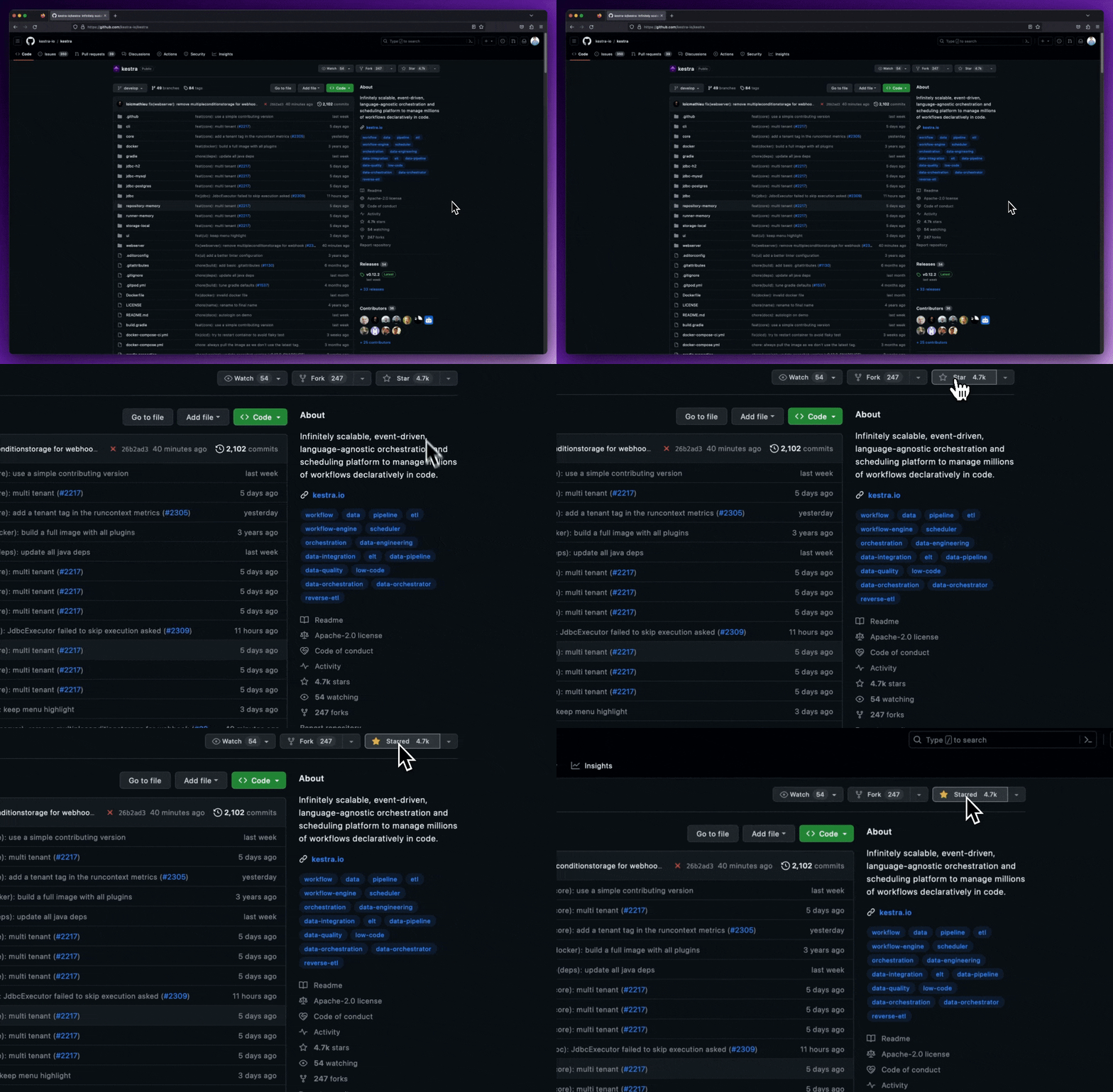
We release new versions every month. Give the main repository a star to stay up to date with the latest releases and get notified about future updates.