

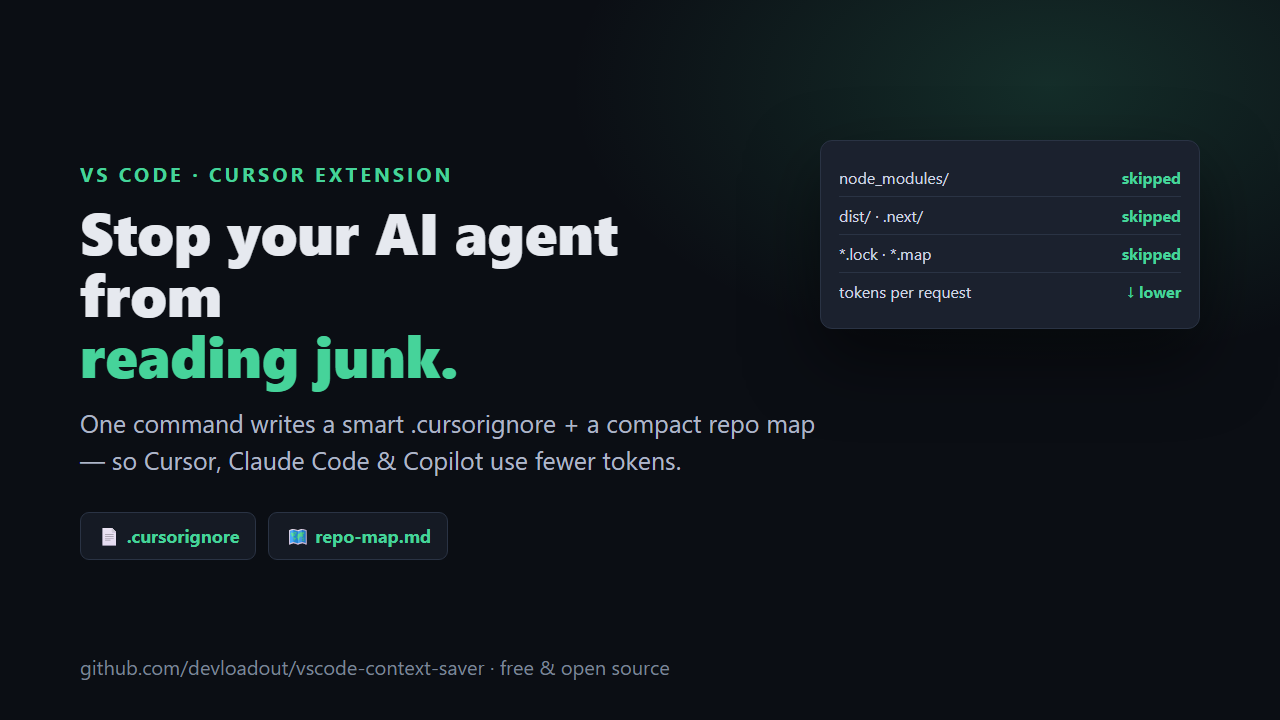
Cursor, Claude Code, and Copilot burn tokens re-reading node_modules, build output, lockfiles, and
binaries they never needed. Context Saver fixes that in one command.
Run Context Saver: Generate ignore file + repo map from the Command Palette
(Ctrl/Cmd+Shift+P). It will:
- Scan your project and write a smart
.cursorignorelisting the heavy folders that actually exist (deps, build output, caches) plus noisy file types (lockfiles, maps, images, archives). - Write a compact
.agent/repo-map.md— top-level layout + likely entry points — so the agent gets oriented from one short file instead of crawling your whole tree.
Result: fewer tokens per request, faster responses, lower bills. Fully local, no telemetry.
The cost of an AI coding session scales with how much the agent reads. Most of what it reads is noise. A good ignore file is the cheapest token-saver there is — this writes one tuned to your repo automatically.
Pair it with Agent Rules (same author) to also generate your CLAUDE.md / AGENTS.md / .cursorrules.
Want deeper, role-specific presets? See the Agentic Coding Starter Kit.
MIT.