
Flutter plugin to set wallpapers on Android and save them to Photos on iOS.
- Static wallpaper from a URL, file path, content URI, or bytes
- Home, lock, or both targets, with a separate result for each
- Video and OpenGL live wallpapers
- Scheduled wallpaper rotation
- Capability checks before you show an action
| Static wallpaper | Capabilities | More APIs | iOS |
|---|---|---|---|
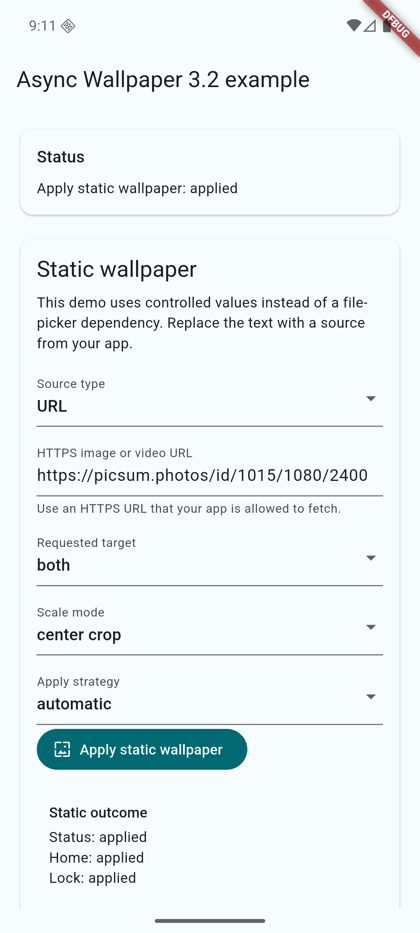 |
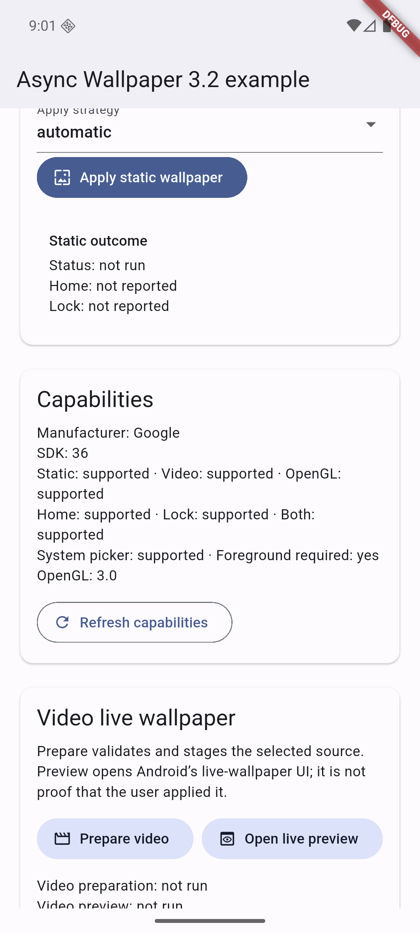 |
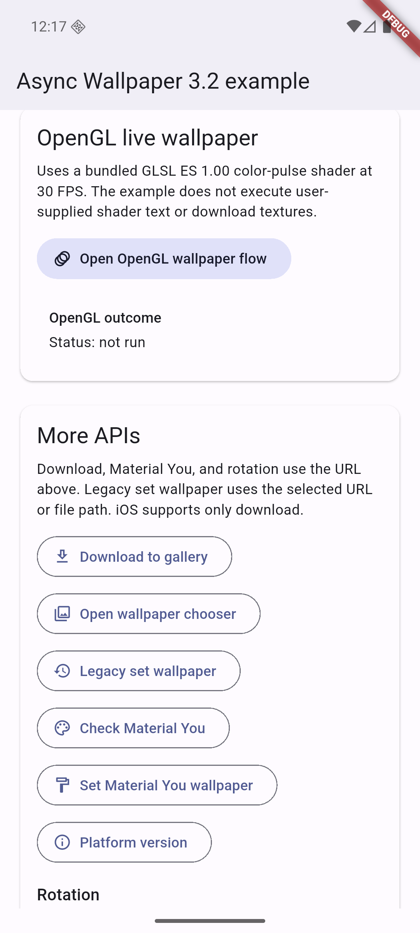 |
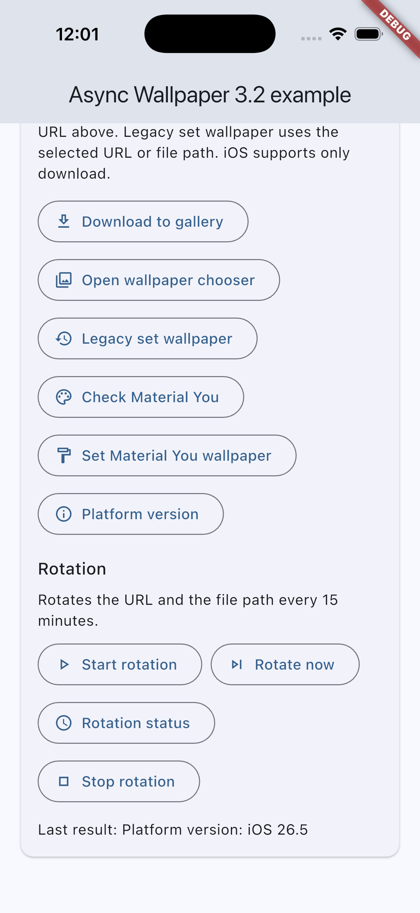 |
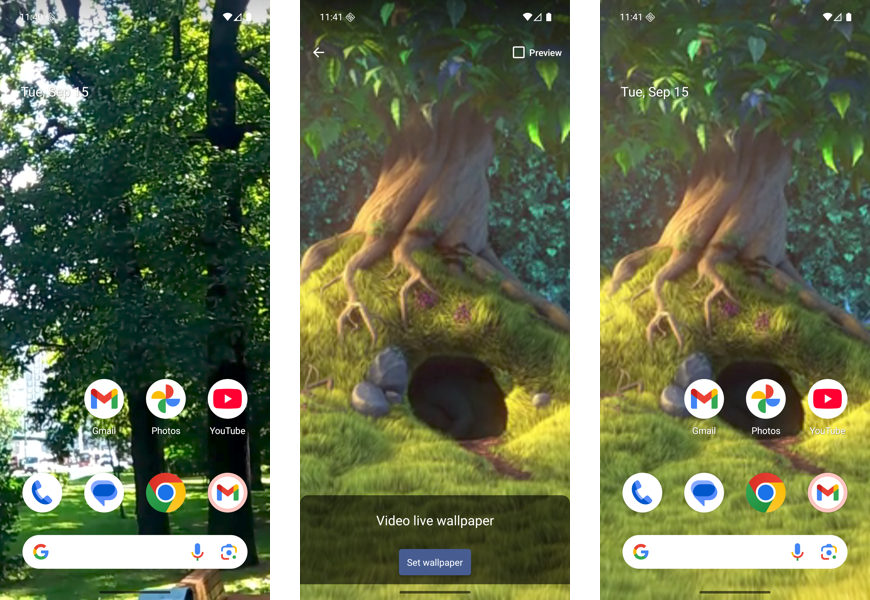
Video live wallpaper: home screen before, the system preview, and the applied video.
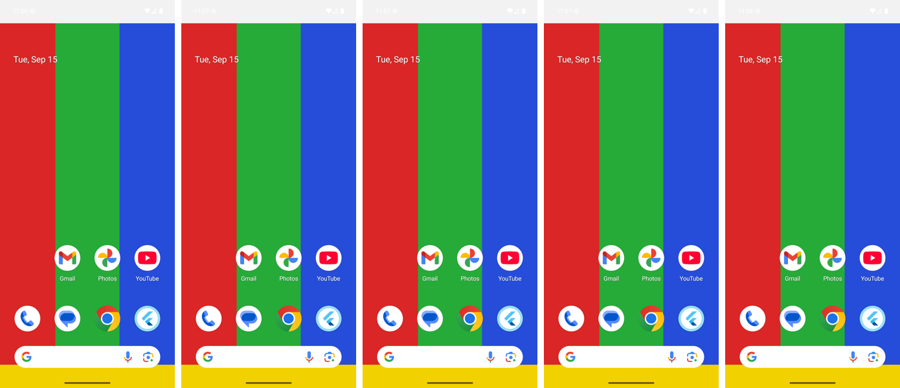
Scale modes: centerCrop, fitCenter, center, fill, and stretch on a 1080x2400 phone.
- Flutter
>=3.41.4, Dart>=3.9.0 - Android
minSdk 24 - iOS
13.0+(download only)
dependencies:
  async_wallpaper: ^3.3.0
import 'package:async_wallpaper/async_wallpaper.dart';final c = await AsyncWallpaper.getCapabilities();
if (c.supportsStaticWallpaper && c.canSetWallpaper) {
// Show the action.
}final result = await AsyncWallpaper.applyWallpaper(
const StaticWallpaperRequest(
source: WallpaperSource.url('https://example.com/wallpaper.jpg'),
target: WallpaperTarget.both,
scaleMode: WallpaperScaleMode.centerCrop,
strategy: WallpaperApplyStrategy.direct,
),
);
if (result.status == WallpaperOperationStatus.applied) {
// For `both`, read `result.home` and `result.lock`.
}Sources: WallpaperSource.url (HTTPS), filePath, contentUri, bytes.
final req = VideoWallpaperRequest(
  source: WallpaperSource.filePath('/storage/emulated/0/Download/loop.mp4'),
  target: WallpaperTarget.home,
);
final prepared = await AsyncWallpaper.setVideoWallpaper(req);
if (prepared.status == WallpaperOperationStatus.awaitingUserConfirmation) {
  await AsyncWallpaper.openLiveWallpaperPreview(req);
}
previewOpened means the system preview opened, not that the user applied it.
Check supportsOpenGlLiveWallpaper first, then call setOpenGlLiveWallpaper with a GLSL ES 1.00 fragment shader (1-60 FPS).
await AsyncWallpaper.startWallpaperRotation(
  const WallpaperRotationRequest(
    sources: <WallpaperRotationSource>[
      WallpaperRotationSource(sourceType: WallpaperSourceType.url, source: 'https://example.com/1.jpg'),
      WallpaperRotationSource(sourceType: WallpaperSourceType.file, source: '/storage/emulated/0/Download/2.jpg'),
    ],
    target: WallpaperTarget.both,
    intervalMinutes: 60,
    order: WallpaperRotationOrder.shuffle,
    triggers: <WallpaperRotationTrigger>{
      WallpaperRotationTrigger.interval,
      WallpaperRotationTrigger.charging,
      WallpaperRotationTrigger.timeOfDay,
    },
    activeHoursStart: 6,
    activeHoursEnd: 23,
  ),
);
await AsyncWallpaper.getWallpaperRotationStatus();
await AsyncWallpaper.rotateWallpaperNow();
await AsyncWallpaper.stopWallpaperRotation();
The minimum interval is 15 minutes. URLs must be HTTPS. Rotation uses WorkManager and needs no foreground service.
await AsyncWallpaper.downloadWallpaper(
  const DownloadWallpaperRequest(url: 'https://example.com/wallpaper.jpg'),
);- iOS: add
NSPhotoLibraryAddUsageDescriptiontoInfo.plist. - Android 9 and older: declare
WRITE_EXTERNAL_STORAGEwithandroid:maxSdkVersion="28"and request it before you calldownloadWallpaper.
| Android | iOS | Web/desktop | |
|---|---|---|---|
| Static, live, OpenGL, rotation | Yes | unsupported |
unsupported |
| Download | Yes | Yes | unsupported |
- Background work (for example
WorkManager): useWallpaperApplyStrategy.direct. The cropper, picker, and live previews need a foreground Activity and returnforegroundRequiredotherwise. - The plugin shows no toasts and does not navigate. Your app shows its own UI from the result.
Report bugs with the bug report template and include the device model, Android version, and steps to reproduce. Request features with the feature request template. Read CONTRIBUTING.md before you open a PR.
MIT