




Translate PDFs locally. No cloud. No API key. Just Ollama.
| What it does | Why it matters |
|---|---|
| Rasterises PDFs with pypdfium2 | No Poppler / Ghostscript dependency |
| Dual-pass OCR (Tesseract + inverted image) | Catches light-on-dark and low-contrast text |
| Batched LLM translation via Ollama | Works with any local chat model |
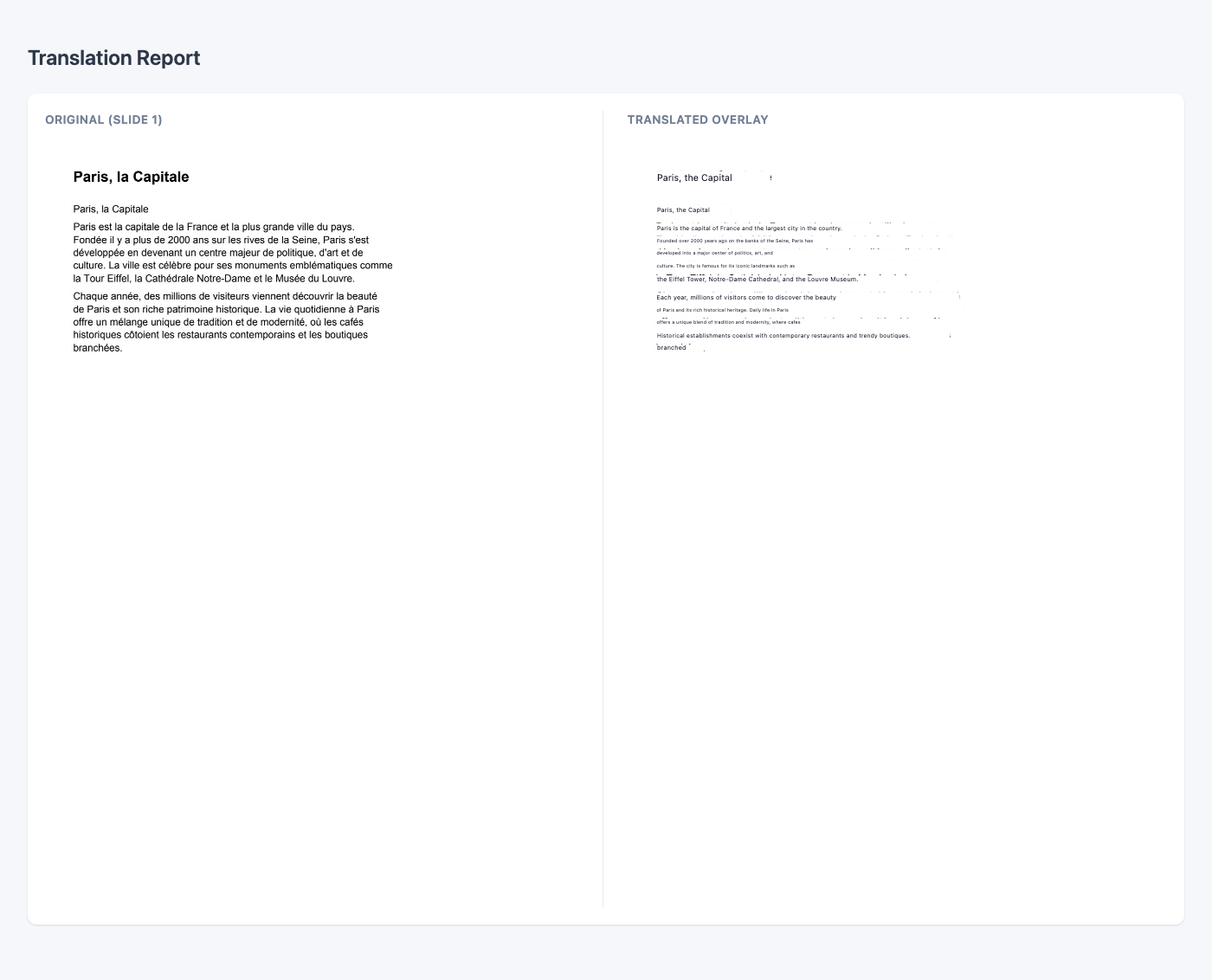
| HTML overlay output | Translations positioned over the original layout |
| Web UI with real-time progress | Upload and translate from any browser |
| Source language selector | Improve OCR accuracy for non-English documents |
| Cancel running jobs | Stop long translations without restarting the server |
| Image-to-PDF conversion | Convert JPG/PNG scans to searchable PDF |
| PDF compression | Reduce file size without proprietary tools |
| 100 % local — files never leave your machine | Full privacy, no API keys, works offline |
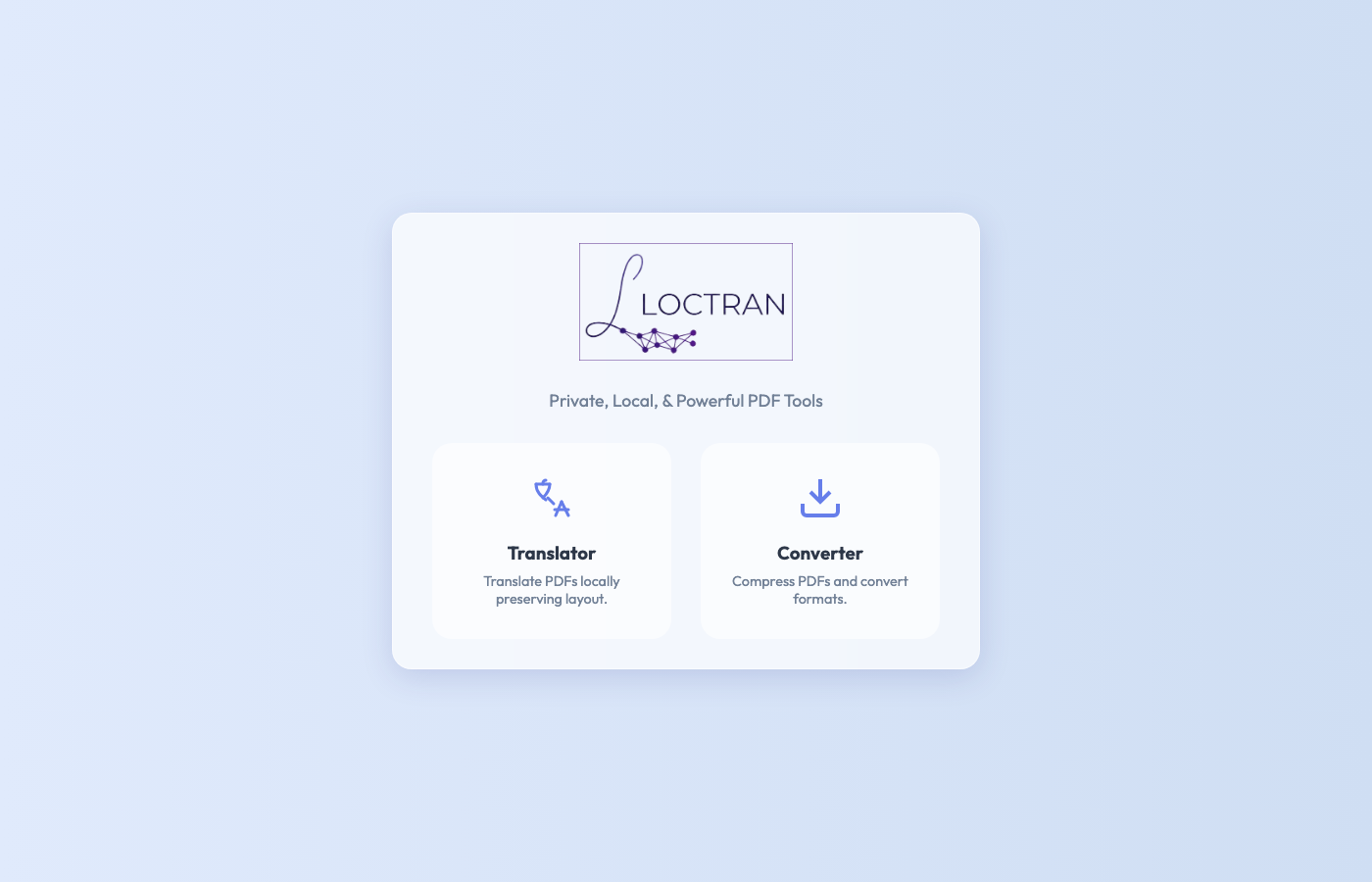
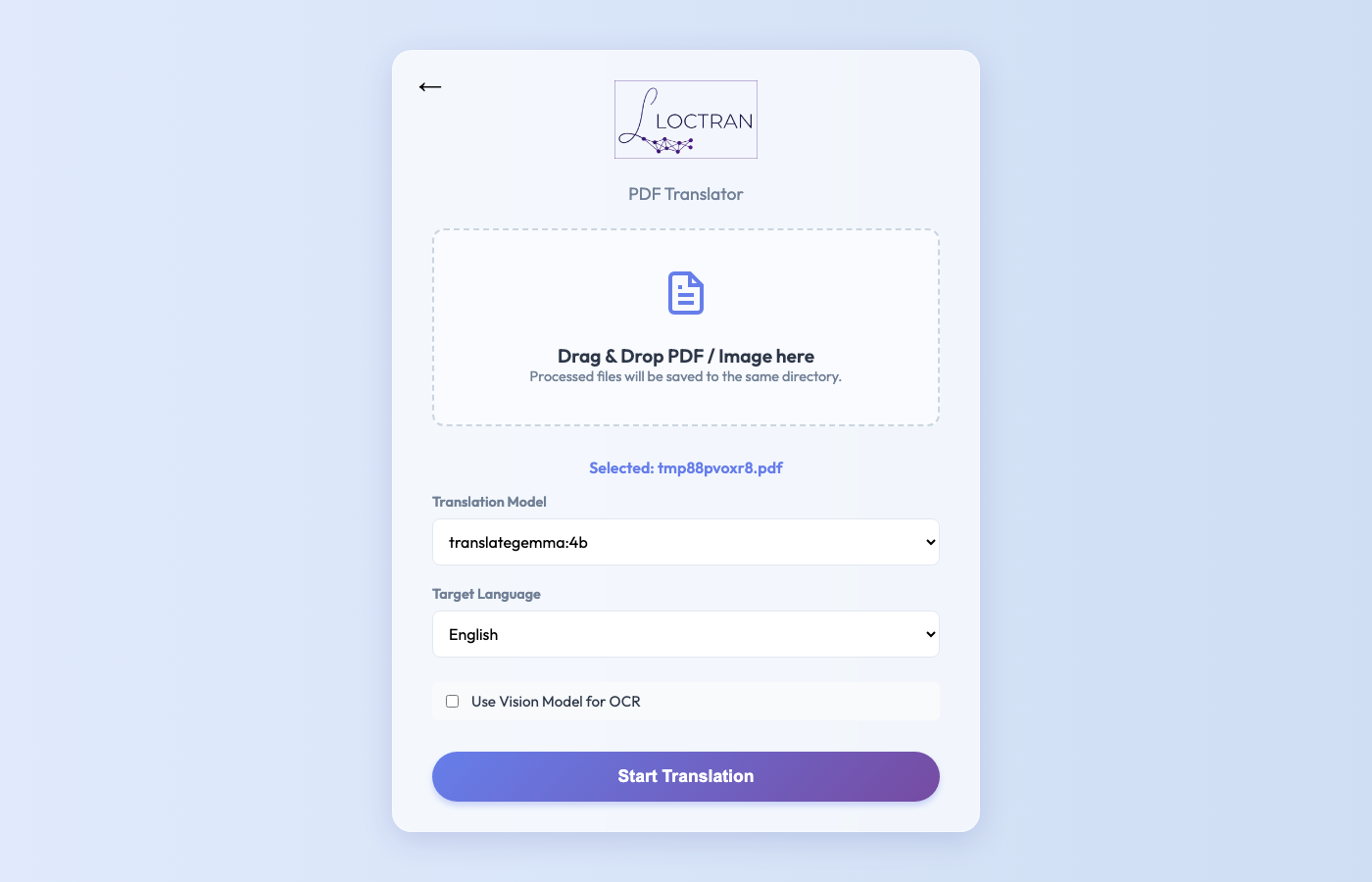
| 1. Home | 1.1 PDF Upload |
|---|---|
 |
 |
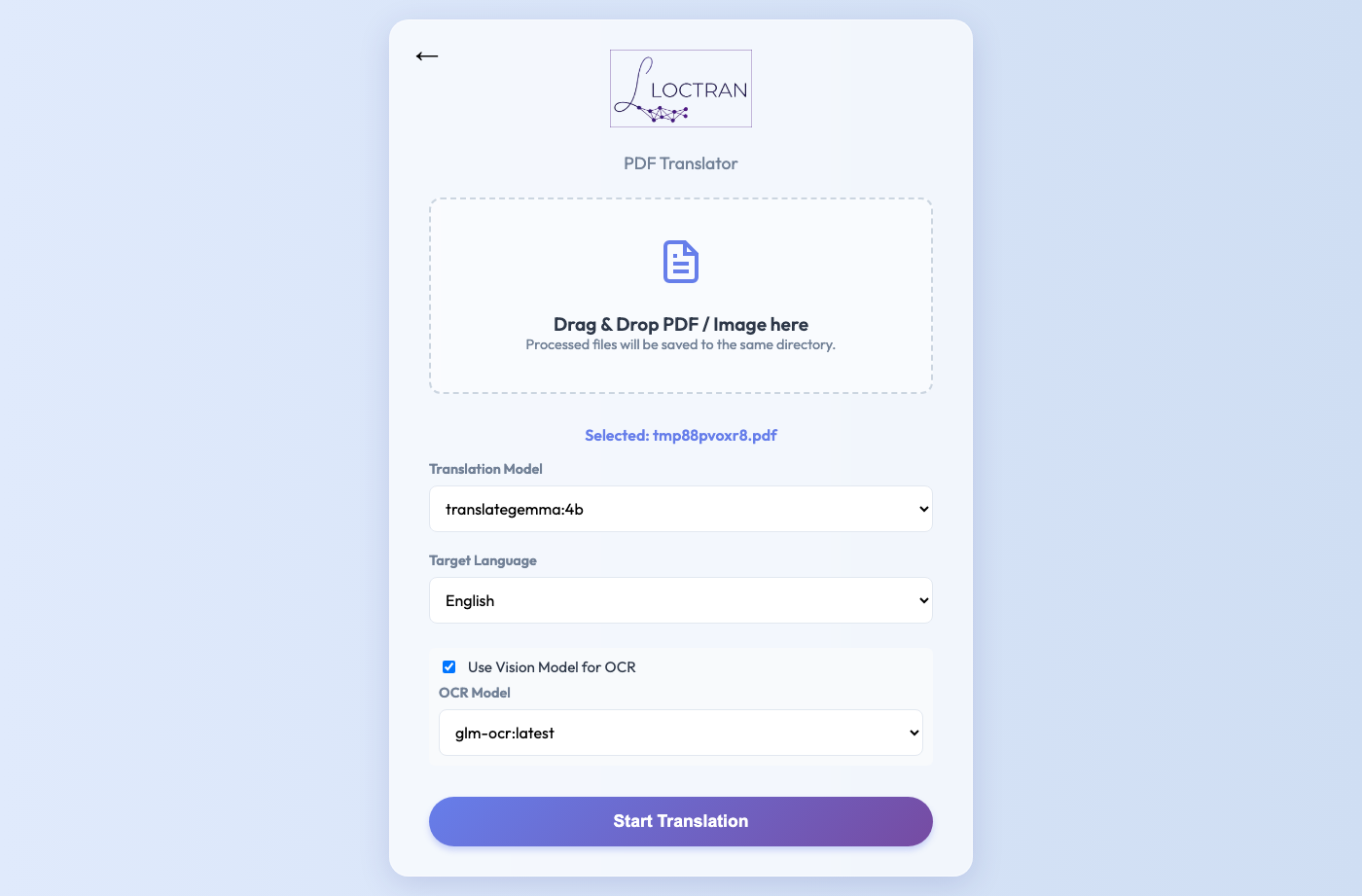
| 2. Translation Configured | 2.1 Translation In Progress |
|---|---|
 |
 |
| 3. Result | 3.1 Translation Complete |
|---|---|
 |
 |
The default install includes the Web UI and all dependencies (OCR, OpenCV, Ollama client). A plain pip install loctran is enough to start the app.
pip install loctran
ollama pull glm-ocr
ollama pull translategemma:4b
loctran
# opens Web UI at http://127.0.0.1:8000
# CLI translation example
loctran translate document.pdf --lang FrenchPDF
└─► rasterise pages (pypdfium2)
└─► dual-pass OCR (Tesseract normal + inverted)
└─► deduplicate & group words into segments
└─► batch translate (Ollama LLM)
└─► HTML overlay output
Each page becomes an image with absolutely-positioned translation boxes sized to match the original text bounding boxes. For PDFs with a digital text layer, pdfplumber extracts text directly — no OCR needed.
- OS: macOS, Linux, or Windows
- Python ≥ 3.10
- Ollama running locally — download
- Tesseract
- macOS:
brew install tesseract tesseract-lang - Linux:
apt install tesseract-ocr tesseract-ocr-all - Windows: download the installer from UB Mannheim or
choco install tesseract
- macOS:
On startup, Loctran will try to start Ollama if it is installed and will pull the configured OCR and translation models when they are missing. The first launch still depends on the user having Ollama available and network access for any model downloads.
Run loctran doctor to check everything at once:
loctran-doctor
─────────────────────────────────────
✓  Python         3.11.9
✓  Tesseract      5.3.4  (langs: eng fra deu jpn +47)
✓  Ollama         0.3.1  (running)
✓  glm-ocr        pulled (2.2 GB)
✓  translategemma:4b pulled (3.3 GB)
─────────────────────────────────────
All required dependencies satisfied.
Start the server and open your browser:
loctran serve
# → http://localhost:8000
Upload a PDF (up to 50 MB), choose source and target languages, pick an OCR and translation model, then watch the real-time progress bar. Cancel any running job with the cancel button. The translated HTML opens automatically when done.
Usage: loctran [OPTIONS] COMMAND [ARGS]...

Commands:
  serve      Run the local web UI server.
  translate  Translate a file or folder using local OCR + Ollama.
  doctor     Run environment diagnostics for dependencies and models.
# Translate to Spanish using a higher-quality translation model
loctran translate report.pdf --lang Spanish --model translategemma:12b

# Extract text only, save to custom folder
loctran translate scan.pdf --extract-only --output ~/Desktop/extracted

# Use smaller batches to avoid context overflow on long documents
loctran translate book.pdf --lang German --batch-size 3

# Run dependency diagnostics
loctran doctorDoes this send my documents anywhere?
No. Everything runs locally on your machine. Loctran talks only to Ollama at localhost:11434. No telemetry, no analytics, no cloud.
Which Ollama models work?
Any locally installed Ollama model appears in the Loctran model picker automatically. Run ollama list to see what is available. For this project, use glm-ocr for OCR and translategemma:4b for translation. On 16 GB+ machines, translategemma:12b is the higher-quality option.
What about scanned PDFs?
Loctran automatically detects whether a PDF has a digital text layer. If it does, pdfplumber extracts text directly (fast, accurate). If not — or if you pass --force-ocr — Tesseract runs a dual-pass OCR (normal + inverted image) to catch light-on-dark text. Pass --use-ai-ocr to route OCR through an Ollama vision model for the highest accuracy on complex layouts.
Loctran needs a running Ollama instance. Inside a container, localhost doesn't reach the host, so pass OLLAMA_HOST:
docker build -t loctran .

docker run -p 8000:8000 \
  -e OLLAMA_HOST=http://host.docker.internal:11434 \
  -v ~/Documents:/docs \
  loctran
The container runs with --no-desktop --no-browser automatically. Mount a volume at /docs to access your files from the Web UI.
See CONTRIBUTING.md for development setup, running tests, and submitting PRs. Check the CHANGELOG for release history.
This project is dual-licensed:
- Open source — GNU Affero General Public License v3.0 (AGPL-3.0). You may use, modify, and distribute Loctran under the AGPL, which requires that any modified version or networked service built on Loctran also be released under the AGPL with full source code.
- Commercial — A proprietary license is available for organisations that cannot comply with the AGPL's copyleft obligations. Contact anzal.ks@gmail.com for terms.
© 2026 Anzal K Shahul. All rights reserved.
The recommended AI models (TranslateGemma, GLM-OCR) carry their own licenses. See THIRD_PARTY_LICENSES.md for details.