

Important
The PyPI package has been renamed from tewi-transmission to tewi-torrent
to reflect multi-client support. If you have the old package installed,
please uninstall it first. Future updates will be published only in
tewi-torrent.
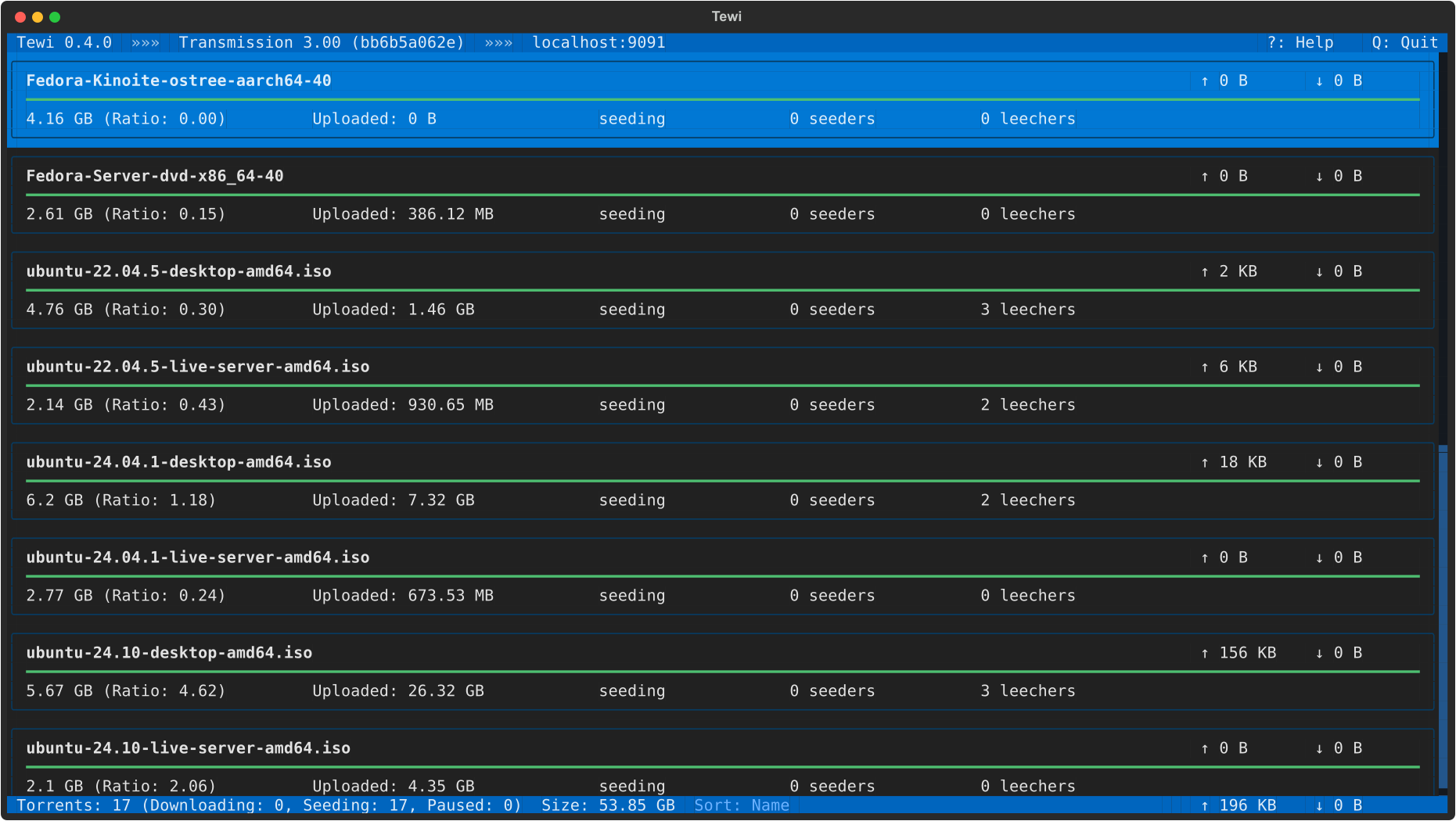
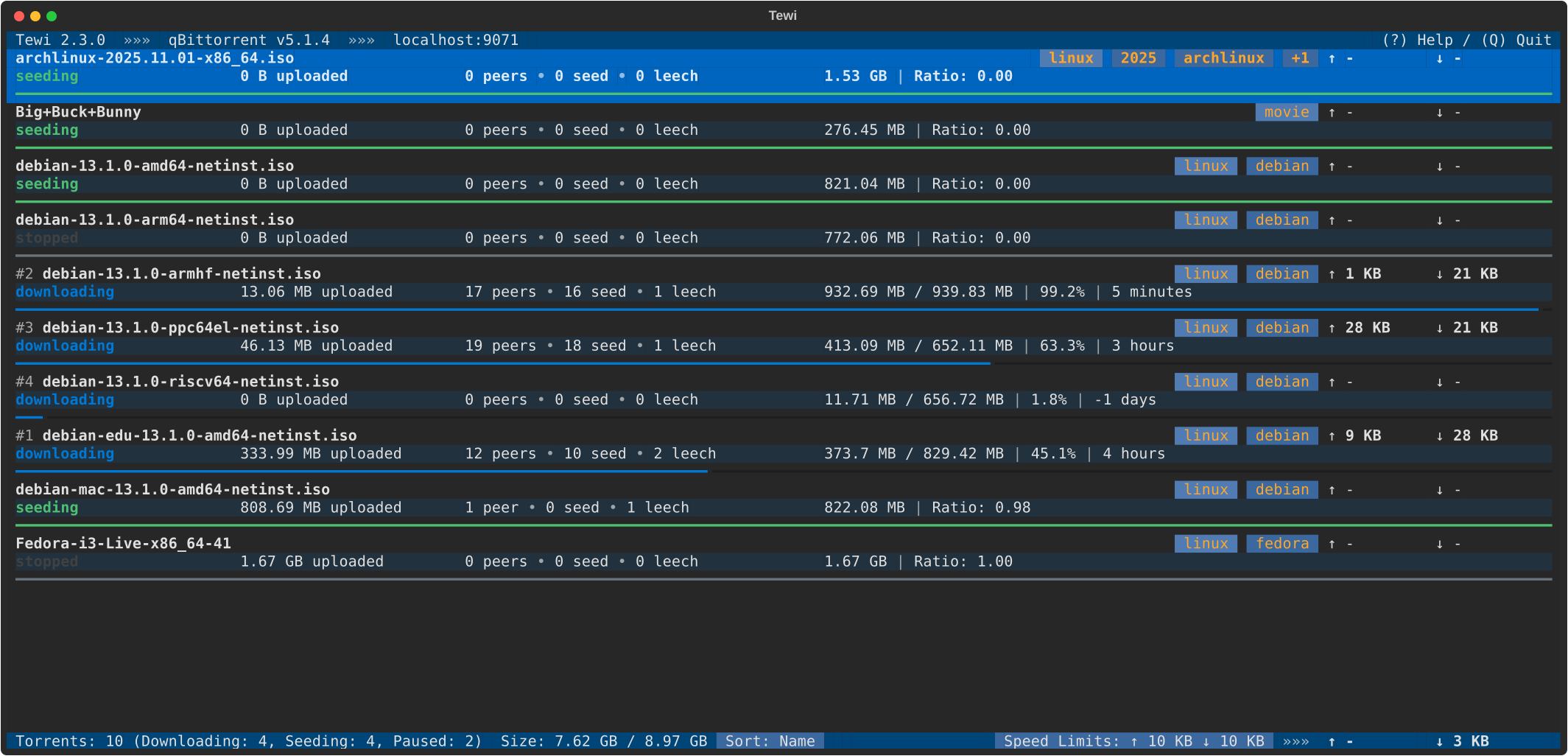
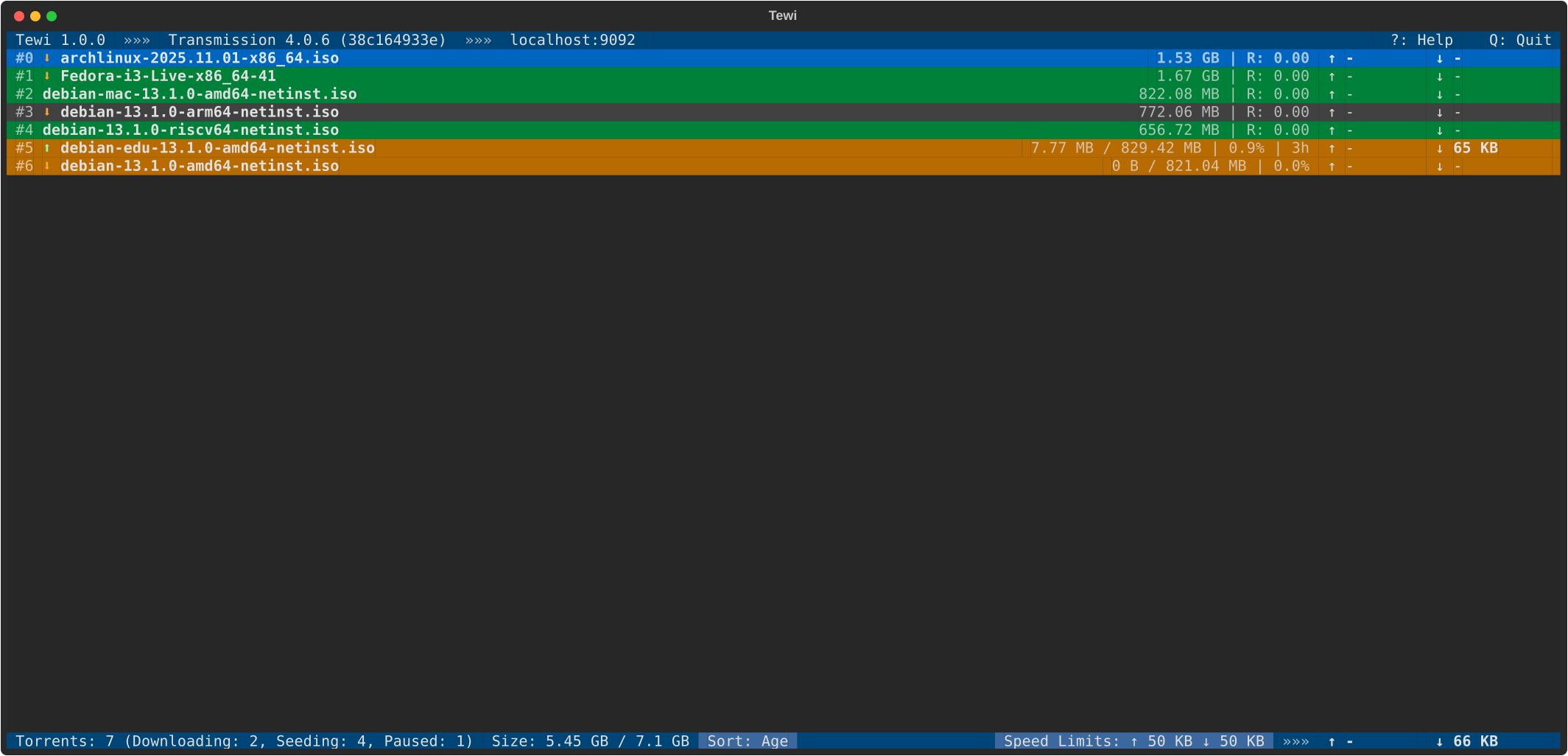
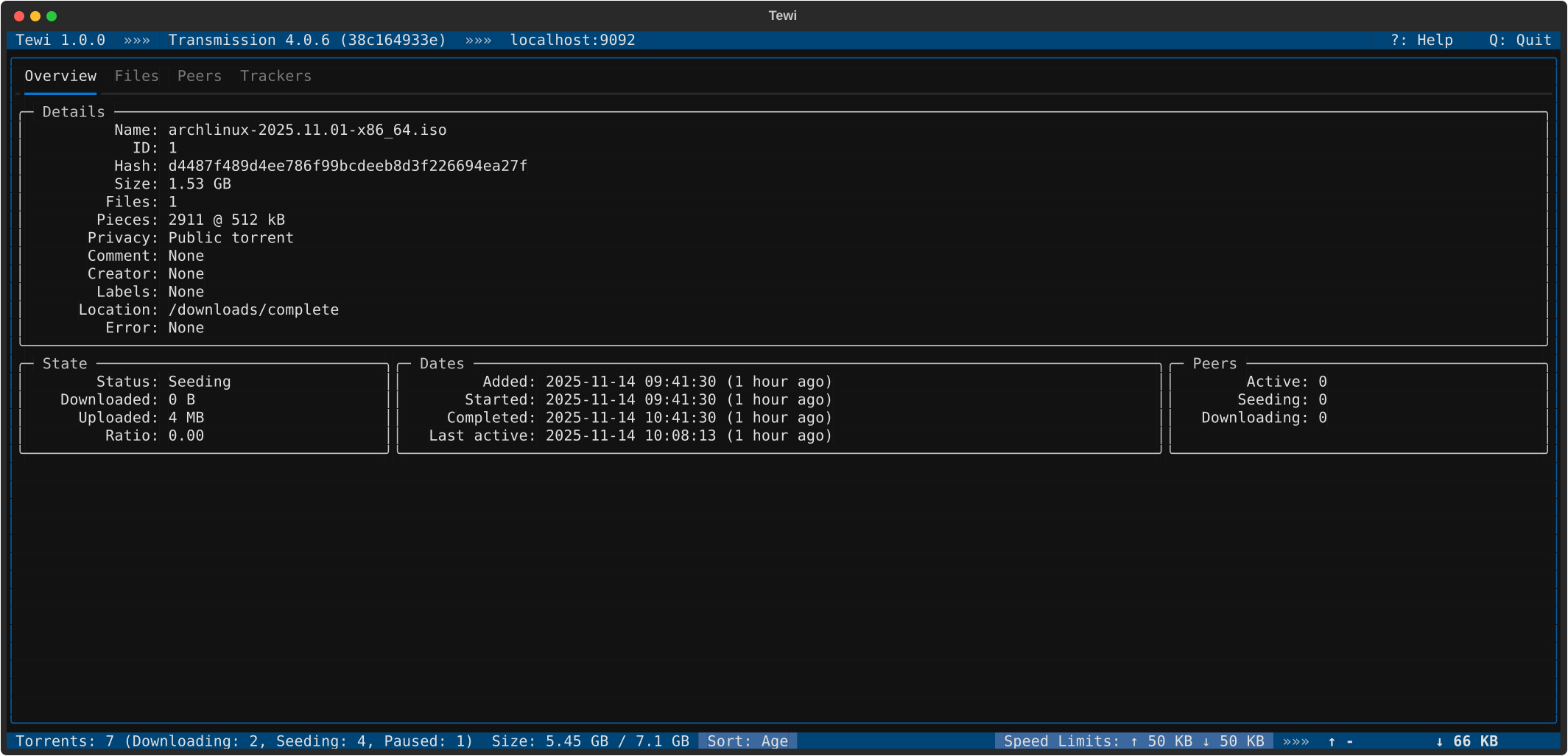

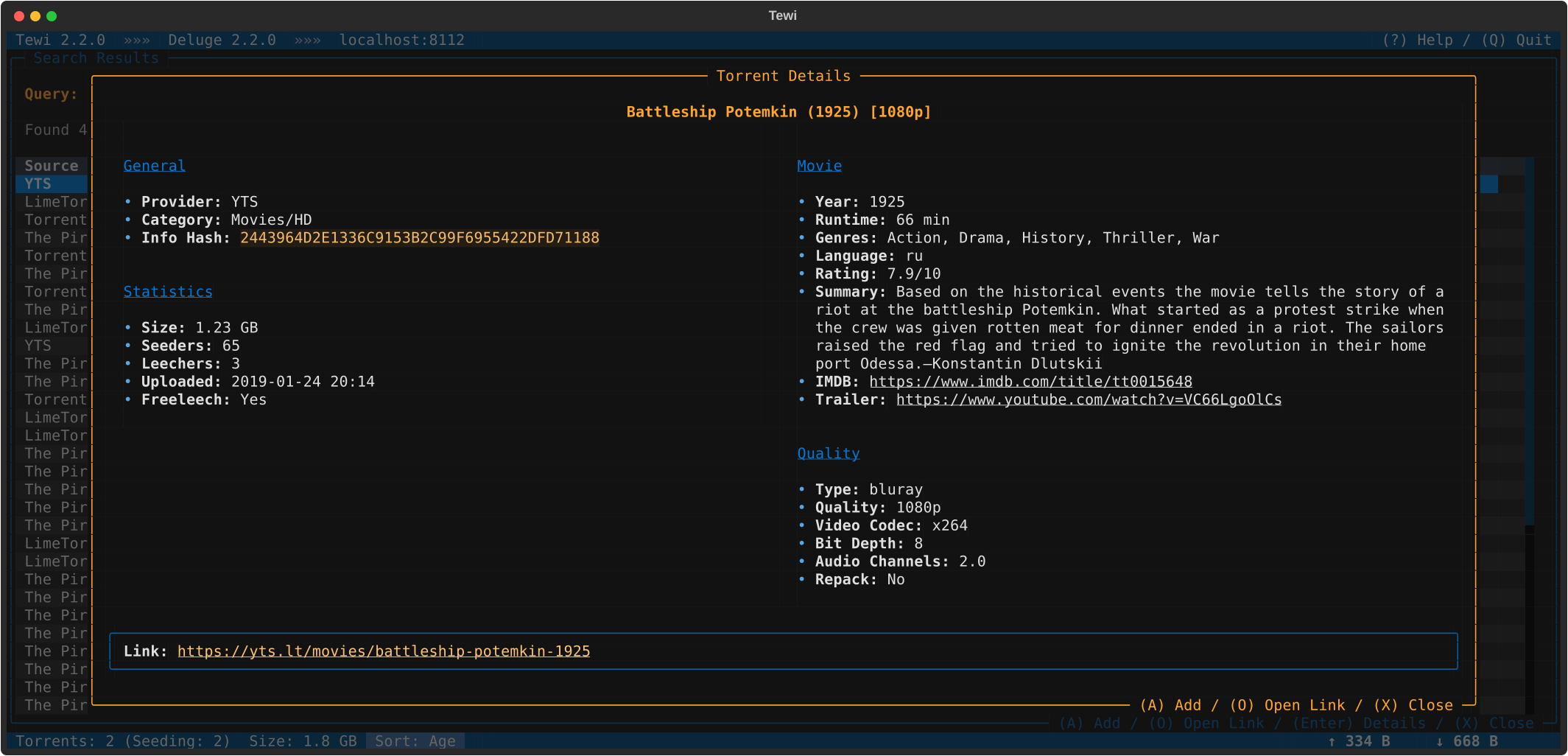
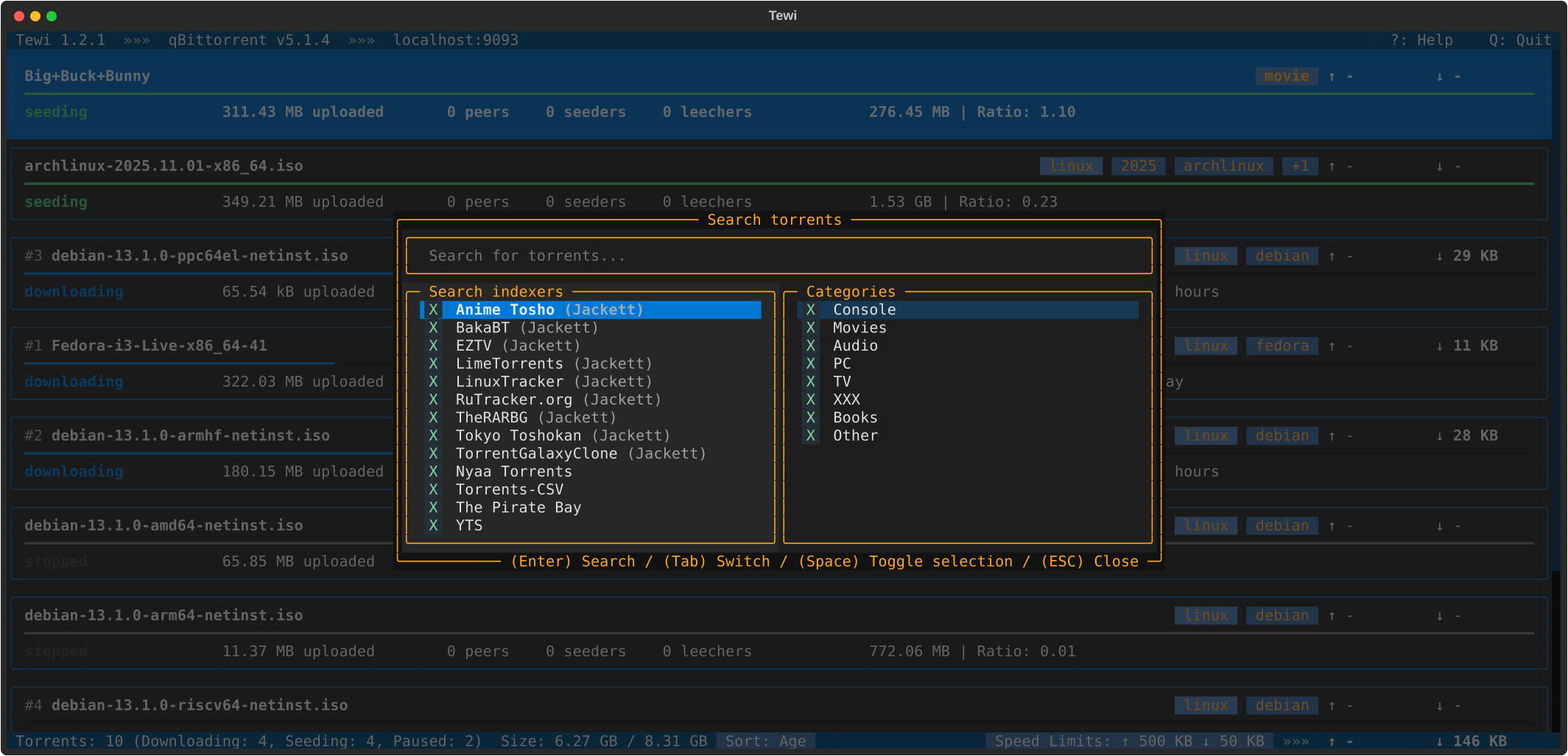
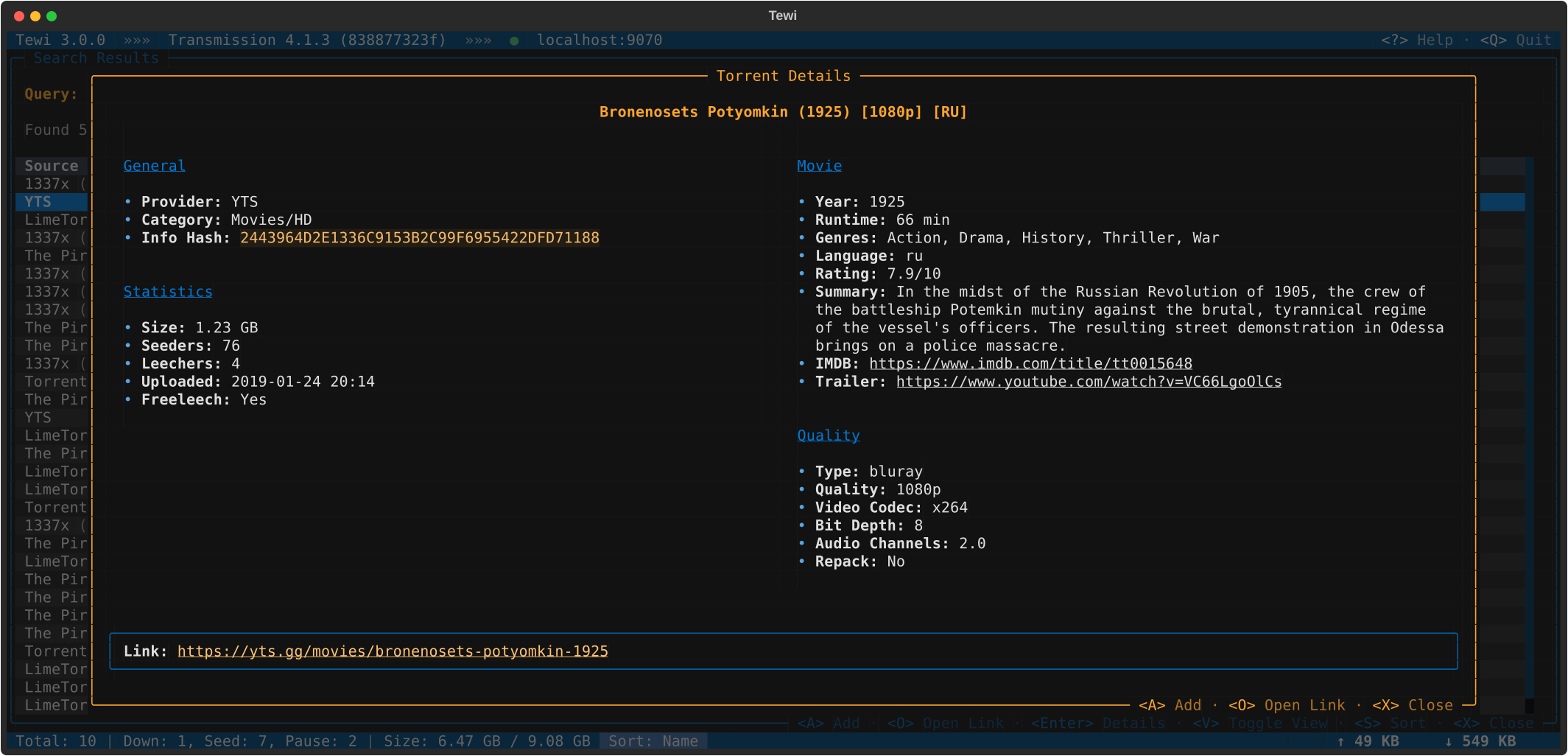
Tewi is a TUI (text user interface) for BitTorrent clients, supporting Transmission, qBittorrent, Deluge and rTorrent daemons.
Features:
- Connect to Transmission/qBittorrent/Deluge/rTorrent daemon by credentials
- Browse torrents list with sorting, filtering by state or name and in-list search
- Different view modes: card, compact, oneline
- Display torrent details: overview, files, trackers, peers
- Manage torrent files: toggle download, change priority, multi-select, open downloaded files
- View and edit torrent categories and labels
- Edit torrent name and location
- Add new torrents from file, magnet link, URL, info hash or clipboard
- Torrent actions: start/pause, start/stop all, remove/trash, verify, reannounce, change priority
- View general speed limits and toggle alternative speed limits
- View session statistics
- View torrent client preferences
- Search torrents on popular trackers (built-in search providers, Jackett, Prowlarr and bitmagnet integrations) with indexer and category selection, search presets and results sorting
- Support for configuration files and different configuration profiles, with environment variable references for secrets
- Color themes selection
- Vim-style keybindings
- Shell completion for bash, zsh, tcsh, fish and powershell
- Python 3
- Textual
- transmission-rpc
- qbittorrent-api
- requests
- platformdirs
- shtab
- geoip2fast (optional, used for peer country lookup)
- pyperclip (optional, used for pasting links from clipboard when adding torrents)
Tewi requires Python 3.10+.
Recommended way to install is to use pipx, pip, or uv:
$ pipx install tewi-torrent
$ pip install tewi-torrent
$ uv tool install tewi-torrent
The package ships a pre-generated bash completion script as an installer data
file (share/bash-completion/completions/tewi).
If you install Tewi with pipx or pip into a prefix your shell already scans
for completions (e.g. a system-wide install), it's picked up automatically.
For any other install method, or for other shells, generate the script
manually with --print-completion and install it into a directory your shell
loads completions from. Tewi supports bash, zsh, tcsh, fish, and
powershell.
For bash (loaded automatically by bash-completion in new shells):
$ mkdir -p "${XDG_DATA_HOME:-$HOME/.local/share}/bash-completion/completions"
$ tewi --print-completion bash > \
    "${XDG_DATA_HOME:-$HOME/.local/share}/bash-completion/completions/tewi"
For zsh:
$ mkdir -p "${XDG_DATA_HOME:-$HOME/.local/share}/zsh/site-functions"
$ tewi --print-completion zsh > \
    "${XDG_DATA_HOME:-$HOME/.local/share}/zsh/site-functions/_tewi"
If that directory is not in your fpath yet, add it to ~/.zshrc before
compinit is called:
fpath=("${XDG_DATA_HOME:-$HOME/.local/share}/zsh/site-functions" $fpath)
The generated script is static: re-generate it after upgrading Tewi to pick up new command line options.
Launch Tewi from command line:
$ tewi
By default it connects to Transmission daemon on http://localhost:9091. To change these settings you could specify your connection details:
$ tewi --host XXXX --port XXXX
To connect to qBittorrent instead of Transmission:
$ tewi --client-type qbittorrent --port 8080
Or to Deluge (via Web UI):
$ tewi --client-type deluge --port 8112 --password XXXX
Or to rTorrent (0.9.7 or newer), directly via SCGI port
(network.scgi.open_port in .rtorrent.rc):
$ tewi --client-type rtorrent --port 5000
Or to rTorrent via web server exposing XML-RPC (e.g. nginx or ruTorrent):
$ tewi --client-type rtorrent --host XXXX --port 443 --path /RPC2 --username XXXX --password XXXX
Connection and other settings could be stored in configuration file. To create default configuration file use:
$ tewi --create-config
Multiple configuration profiles could be defined (e.g. for different
daemons) in tewi-NAME.conf files, which are loaded on top of the main
configuration file. To load one of them use:
$ tewi --profile NAME
Check other command line options using help command:
$ tewi --help
View available hot-keys in Tewi by pressing ? key.
See the open issues for a full list of proposed features (and known issues).
Feel free to open bug reports and send pull requests.
Distributed under the GPL3+ license. See LICENSE.txt for more information.