You signed in with another tab or window. Reload to refresh your session.You signed out in another tab or window. Reload to refresh your session.You switched accounts on another tab or window. Reload to refresh your session.Dismiss alert
Task was to build a full stack application, based on the Django framework, written in Python backend, with React frontend. Must have CRUD functionality and register/login features.
Description:
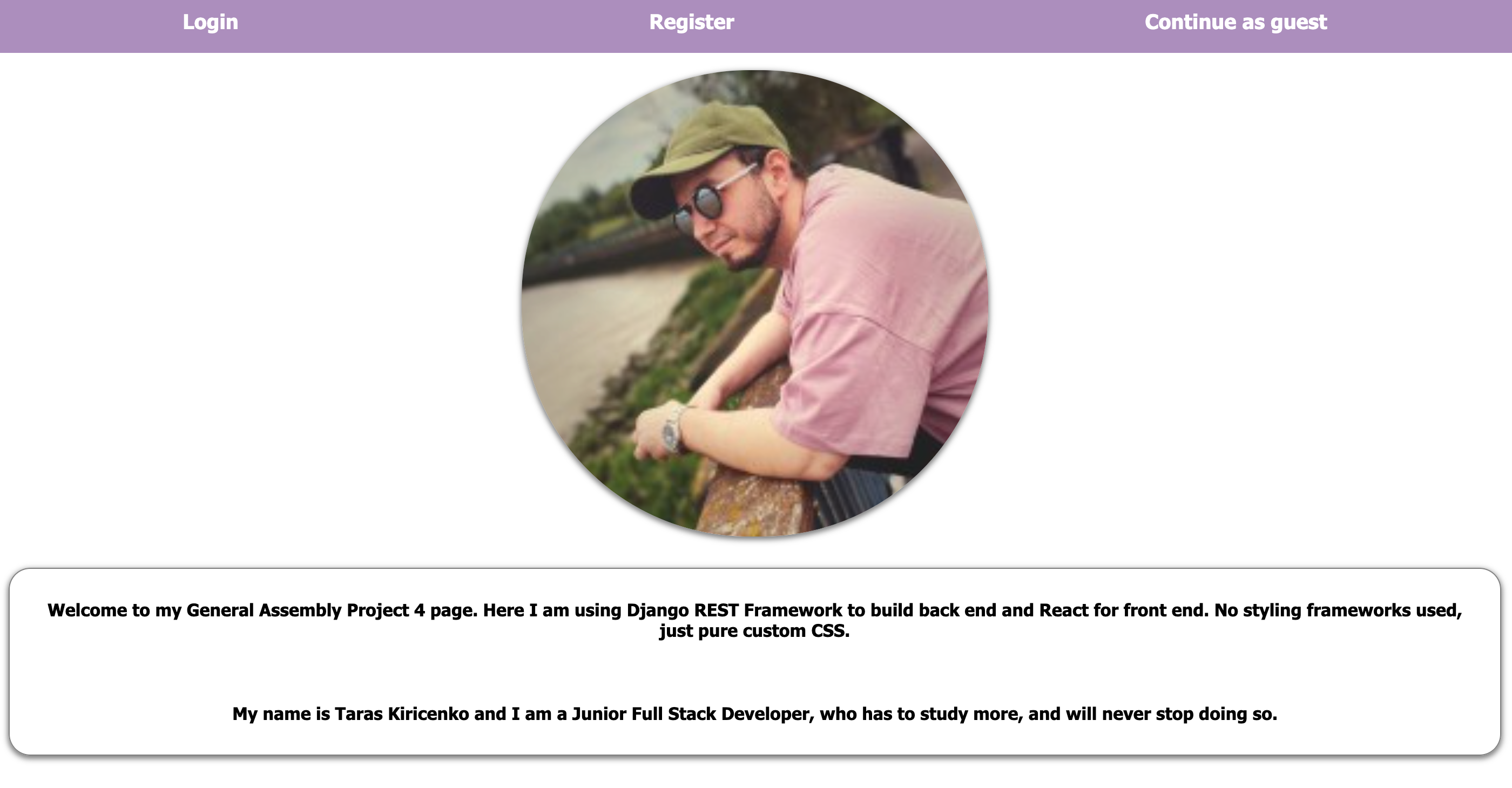
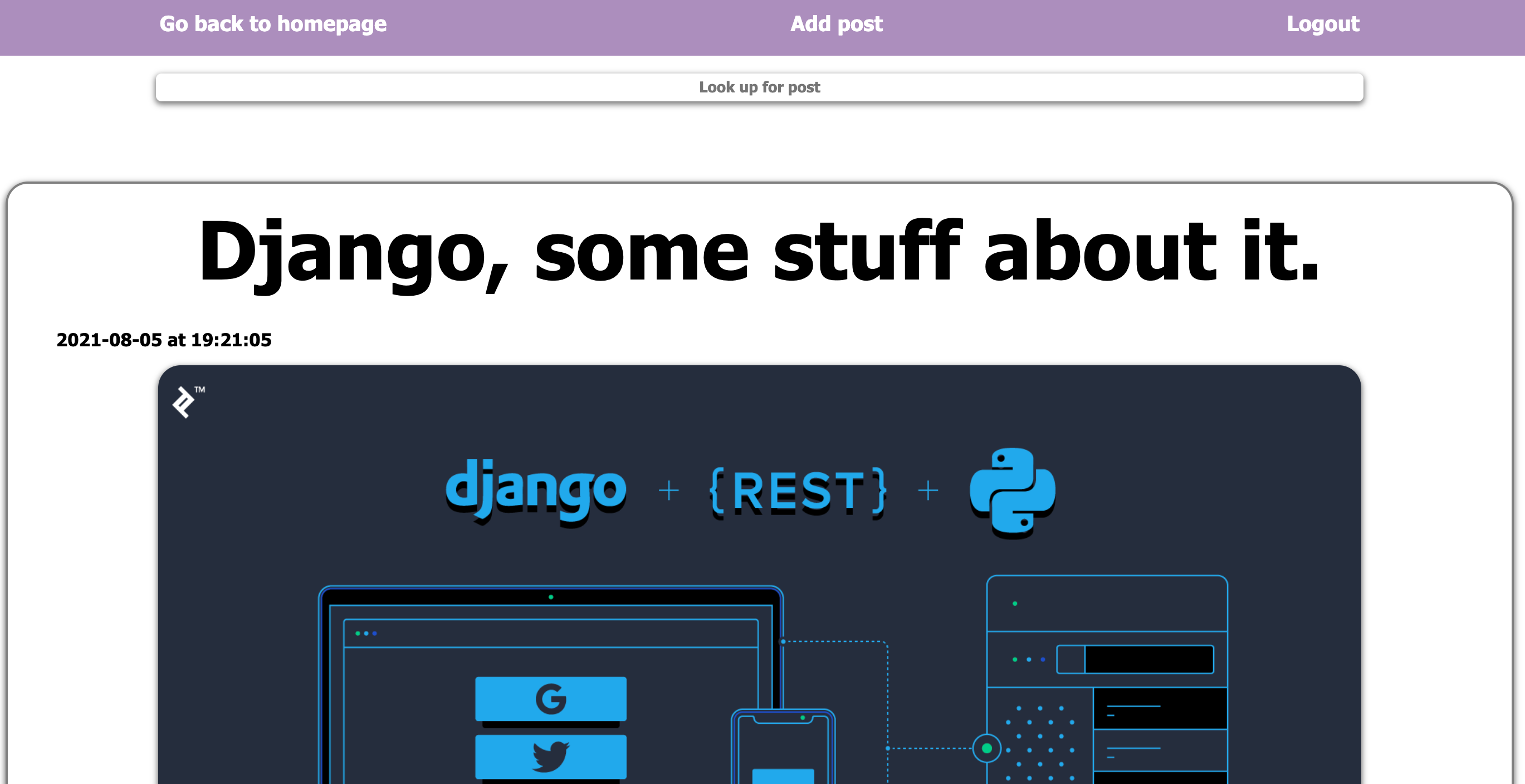
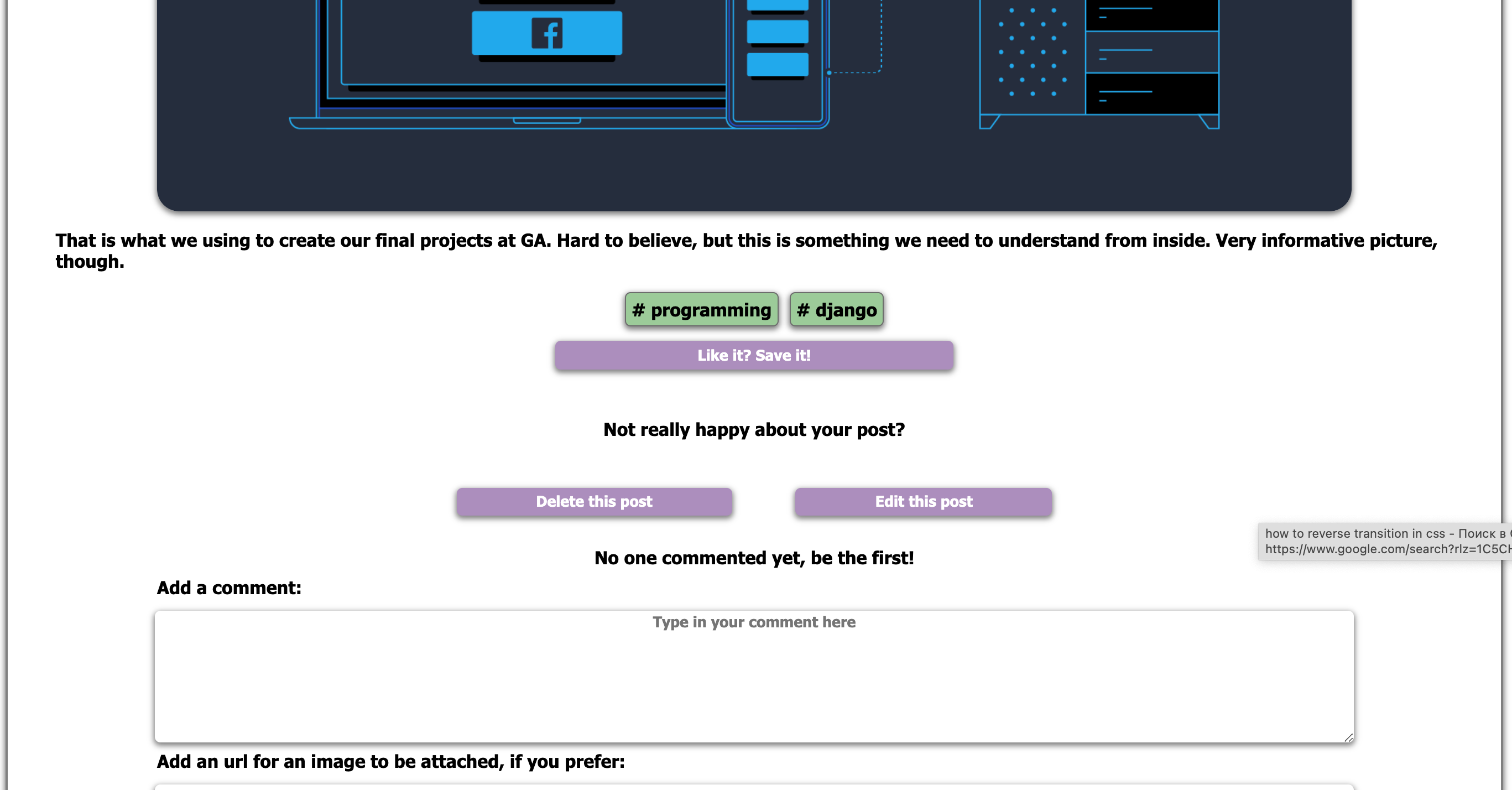
A website, which enables people to browse through a gallery of posts, containing text with pictures optionally attached to them. There is a possibility to browse thorugh gallery as a guest, but as soon as you register and login, you can create your own posts, leave comments under existing ones, delete and edit posts and comments, if you created them and save posts to your favourites.
Key features:
Gallery website, with CRUD functionality, saved favourites, commenting.
Create Django project, start PostgreSQL, create database, migrate and run your server, create superuser. Then using "startapp" create your apps and make your models, import and register them, migrate. Add REST framework. Make sure it is listed in installed apps. Create serializers and views, make kind-of "router", using "path" and "urlpatterns", define endpoints in your project urls.py file. Define CRUD requests to your api and add seeds files. Repeat that for all models: create, register, migrate, serialize.
Start working on authentication. Add a user model to settings, specifying which one will be used. I used AbstractUser here, love prebuilds. Migrate, resolve migrations issues (if you do AUTH not as first thing) by creating seeds, dropping DB and deleting migrations. Create DB again, create superuser again, seed. I was using JWT, setting token decoding and ability to check DB for existing users based on the "sub" part of the token and comparing it with the Primary key which is essentially user Id. Now you can handle access levels, using permission classes.
Make password validation, checking it against DB stored password and hashing it, without inclusion in JSON. Create views for users, register and login, checking data against the user model, if it matches the requirements. When logging in, give user a token in order to grant particular permissions. Add owner fields to your models (in this case "posts" and "comments").
Start working on frontend, create React app, add axios for requests, change api endpoints with '/api/' prefix, run frontend from client folder. Add react-router-dom, use Router, Switch and Route to establish the connection between components. Start developing the frontend functionality of the project.
Build your components, handling the requests and errors, storing data at state instances and using one for rendering. Use token set from backend as authentication piece allowing certain functionality on conditional ternaries, dependant on id match of current user and one, who added and information piece, ex. "post"
(for more detailed examples see "sample code")
Sample code:
Post model, super simple, set alike to post in twitter:
Only one field of all is optional - image. Created_at - automated. Hashtags - many to many, (refers to hashtag model). Owner field, many to one (referring to user model).
All posts have 2 views, ListView and DetailView, both have functions working as requests to them:
ListView "get" brings you back all posts as response, "post" check the new one against model criteria and if it has all needed, saves it to DB.
DetailView allows us to delete and modify posts, also checking if edited posts fit criteria. PK here - automatically applied sort of ID, used for request handling.
Little bit about authentication, let's have a look at password handling:
I won't save our password and its confirmation as they come, just use them for validation, check if they match, and then store the password in an encrypted way.
I will use other fields from class Meta in front-end building, that is why not all fields are returning as data.
Looking at the frontend, the first thing I would like to pay attention to is sensitive information. I do need it for authentication, but I don't want to display it:
First thing I do here - email deletion, and only then any sort of logic.
I had an issue with my favourites, as it was saving only data at a particular moment of time, not including any updates or added comments. Solution:
My favourites are based in local storage, so I get them using JSON.parse. If that array is present (longer than 0), I am making sure that savedPosts (favourites) are empty.
Using "for" loop, I am matching the id of posts stored locally against ids of ones that are stored in DB, (meaning, updated, edited or untouched), and pushing them into "favourites".
Final thing - set the right data to the state of posts to be rendered correctly. Probably not too elegant, but works well.
Demo of responsiveness.
Screen.Recording.2021-08-17.at.16.40.06.mov
This is because all custom CSS is based on VH and VW as dimensions.
Wins and challenges:
Wins
Perfect opportunity to work with PostgreSQL and Django framework, alongside building my own backend in Python.
Fully achieved responsiveness without using any styling frameworks. Great practice of custom CSS.
Great practice with JS while building frontend. There were quite a few complicated tasks to manage, including right rendering and setting right data states.
Challenges
There were a few complicated points managing errors when registering, that is still a point to improve. There is error handling, but it is far from perfect.
Python is still quite a new language for me, it is difficult to use an entirely new system at a self-sustainable level.
Planning of own time for over a week period and allocating particular resources to it - something tough to manage.
Potential improvements:
Styling needs to be improved, using grid instead of scroll page.
I would like to add a messaging system: say, posts get a comment - the user who created it gets notification of some sort.
Good idea here - manage to actually upload the files, rather than setting images with links.
Ability for users to add their own hashtags. I think I over-complicated this task, it just should be input converted into "hashtag".

![[Screenshot 2021-08-17 at 13 43 37]](https://user-images.githubusercontent.com/81250034/129712500-515a5929-14e0-46d8-83e3-f8625accb15f.png)
![[Screenshot 2021-08-17 at 13 55 58]](https://user-images.githubusercontent.com/81250034/129714169-d5b86660-5203-4fe7-83e7-eb52e1894b68.png)
![[Screenshot 2021-08-17 at 14 21 59]](https://user-images.githubusercontent.com/81250034/129717552-11899828-181b-48fc-ba44-b382ee63d474.png)
![[Screenshot 2021-08-17 at 15 23 37]](https://user-images.githubusercontent.com/81250034/129725003-1076f353-cc8b-4914-80cb-a651f0382434.png)
![[Screenshot 2021-08-17 at 15 32 11]](https://user-images.githubusercontent.com/81250034/129726020-de40a50d-61be-48a8-96fb-026d772243ba.png)