- Reader adjustable text layouts
- Gutenberg .zim bookshelf support and parser fixes
- Initial StackExchange, iFixIt and MedlinePlus .zim archive support
- Initial image support
- Bug fixes
You need NomadNet 1.4.0 or newer for image rendering
- Formatting overhaul to add anchors, tables, inline citations and better page layouts
- Support for multiple .zim archives
- Add full Gutenberg parser
- Parser improvements
- Server-side caching
- Option to read pages in sections for low-bandwidth users
- And more

- Install the python-libzim package for reading .zim archives
pip install libzim
- Install the BeautifulSoup HTML parser package for converting the HTML from each .zim entry to Micron
pip install beautifulsoup4
-
Move the contents of the git repo to your NomadNet
storage/pages/directory -
The page folder is detected automatically when the files live under
storage/pages. You only need to adjustroot_folderinsettings.pyfor other layouts -
Ensure all micron files for the project are executable
-
Point
zims_dirinsettings.pyat a folder containing one or more.zimarchives. A singlearchive_pathis still supported as a fallback -
Run
python3 generate_meta.pyonce to scan the archives and write the per-archive metadata sidecars into thezims/folder. Re-run it whenever you add new archives. Only archives with a sidecar are listed, so deletezims/<name>.zim.metato hide an archive
The .mu pages start with #!/bin/python3, so NomadNet runs them with the system Python by default. If you installed libzim and beautifulsoup4 into a virtual environment instead, pages will crash with FileNotFoundError. To point every page at the environment's interpreter, run this from inside that environment
python3 generate_meta.py --fix-shebangs
To choose an interpreter explicitly, pass it after = and use quotes if it contains spaces
python3 generate_meta.py --fix-shebangs=/home/user/miniconda3/envs/nomad/bin/python3
python3 generate_meta.py "--fix-shebangs=/usr/bin/env python3"
To go back to the default just run it with --fix-shebangs=/bin/python3
You can download .zim archives provided by the Kiwix project here https://browse.library.kiwix.org
The recommended .zim is wikipedia_en_all_nopic Wikipedia archives in every language are supported
For image support, download the _maxi Wikipedia instead of the nopic Wikipedia .zim archive
Wikipedia https://browse.library.kiwix.org/#lang=&q=&category=wikipedia
Gutenberg https://ebookfoundation.org/openzim.html
iFixIt https://browse.library.kiwix.org/#lang=&q=&category=iFixit
StackExchange (all languages) https://browse.library.kiwix.org/#lang=eng&category=stack_exchange&q=
MedlinePlus, health information from the National Institutes of Health (NIH) https://browse.library.kiwix.org/#lang=&q=medline
Retipedia currently supports Wikipedia in all languages, Gutenberg, StackExchange in all languages, iFixIt and MedlinePlus archives, and also implements a generic .zim parser for anything else. PRs are welcome
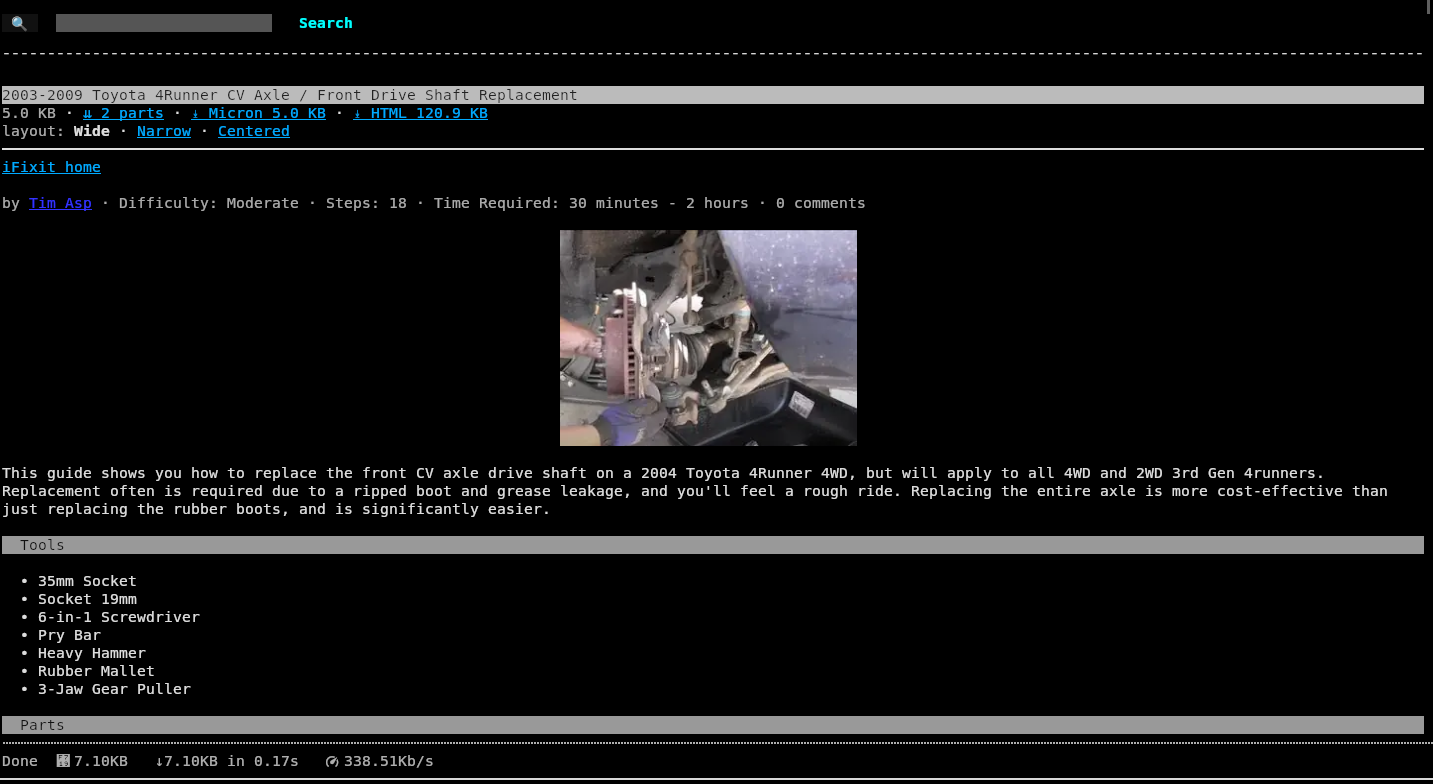
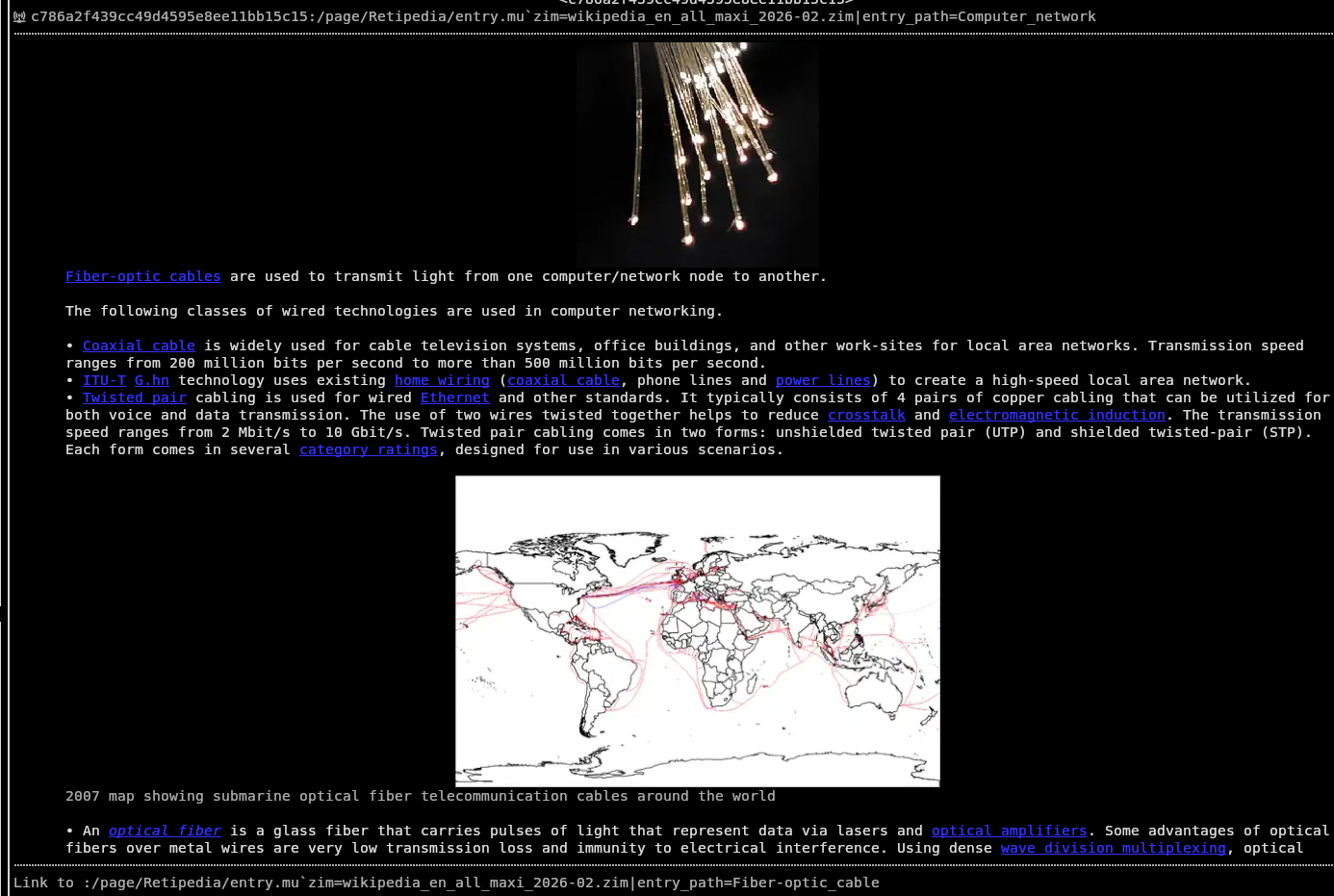
Set images = True in settings.py to turn it on. Readers only download images when their own NomadNet image_loading setting allows it, and is safe for low-bandwidth links.
Images are extracted once into the images/ folder and served from there. You can clear that cache with
python3 clean_images.py        removes every extracted image
python3 clean_images.py 30     removes only images older than 30 days