Skip to content

Scroll to and focus the message put into edit mode by ArrowUp - #100432

Open
MelvinBot wants to merge 1 commit into
mainfrom
claude-scrollToEditedMessageOnArrowUp
Open

Scroll to and focus the message put into edit mode by ArrowUp#100432
MelvinBot wants to merge 1 commit into
mainfrom
claude-scrollToEditedMessageOnArrowUp

Conversation

@MelvinBot

Copy link
Copy Markdown
Contributor

Explanation of Change

Pressing ArrowUp in an empty composer puts the newest editable message into edit mode, but on desktop web the list never scrolled to that message and the inline editor never got focus.

The message list is a virtualizing InvertedFlashList with a finite drawDistance. When tall content sits above the newest message (for example several consecutive report previews) and the user has scrolled up, the target row is outside the render window, so ReportActionItemMessageEdit never mounts — and focus (autoFocus) plus the browser's native scroll-into-view only happen on mount. The one edit-start scroll that exists is gated to mobile Chrome (ReportActionItemMessageEdit.tsx), so desktop web was excluded, and the ArrowUp handler only saved a draft with no follow-up scroll.

The fix asks the list to scroll to the action that ArrowUp just put into edit mode:

  • ReportActionEditMessageContext.tsx — adds pendingScrollToEditingReportActionID plus requestScrollToEditingAction / clearPendingScrollToEditingAction. The composer and the list both already live under this provider, so it is the natural place to pass the request between them.
  • ComposerWithSuggestions.tsx — after saveReportActionDraft, the ArrowUp branch calls requestScrollToEditingAction(lastReportAction.reportActionID).
  • ReportActionsList.tsx — consumes the request, resolves the action's index against renderedVisibleReportActions (the same array the list renders, and the same lookup already used for actionBadgeTargetIndex), and calls reportScrollManager.scrollToIndex(...). The row then mounts, autoFocus lands, and the message is visible while it is edited.

The scroll is scoped to the ArrowUp shortcut, so starting an edit by clicking Edit comment on an already-visible message is unchanged.

AI Tests

Run locally on this branch:

  • npm run typecheck — passed
  • npm run lint-changed — passed
  • npm run spell-changed — passed (3 files, 0 issues)
  • npm run react-compiler-compliance-check -- check <changed files>ReportActionsList.tsx and ReportActionEditMessageContext.tsx pass. ComposerWithSuggestions.tsx reports 7 pre-existing "Cannot access refs during render" errors on both compilers; verified identical on the unmodified file (same 7 errors, line numbers shifted only by this diff), so no regression and no new compiler divergence.
  • npm test -- --silent --testPathPattern "(ReportActionsListTest|ReportActionComposeTest|ReportActionItemMessageEditTest|ReportActionMessageEditLayoutTest|ComposerTest)" — 6 suites, 61 tests passed
  • Browser verification could not run: the CI browser session rendered a blank page (0 DOM nodes, no network traffic) even though the dev server built cleanly and served 200. Manual verification of the flow is still needed.

Fixed Issues

$ #99760
PROPOSAL: #99760 (comment)

Tests

// TODO: The human co-author must fill out the tests they ran before marking this PR as "ready for review".

  • Verify that no errors appear in the JS console

Offline tests

// TODO: The human co-author must fill out the offline tests they ran before marking this PR as "ready for review".

QA Steps

// TODO: These must be filled out, or the issue title must include "[No QA]."

  • Verify that no errors appear in the JS console

PR Author Checklist

  • I linked the correct issue in the ### Fixed Issues section above
  • I wrote clear testing steps that cover the changes made in this PR
    • I added steps for local testing in the Tests section
    • I added steps for the expected offline behavior in the Offline steps section
    • I added steps for Staging and/or Production testing in the QA steps section
    • I added steps to cover failure scenarios (i.e. verify an input displays the correct error message if the entered data is not correct)
    • I turned off my network connection and tested it while offline to ensure it matches the expected behavior (i.e. verify the default avatar icon is displayed if app is offline)
    • I tested this PR with a High Traffic account against the staging or production API to ensure there are no regressions (e.g. long loading states that impact usability).
  • I included screenshots or videos for tests on all platforms
  • I ran the tests on all platforms & verified they passed on:
    • Android: Native
    • Android: mWeb Chrome
    • iOS: Native
    • iOS: mWeb Safari
    • MacOS: Chrome / Safari
  • I verified there are no console errors (if there's a console error not related to the PR, report it or open an issue for it to be fixed)
  • I followed proper code patterns (see Reviewing the code)
    • I verified that comments were added to code that is not self explanatory
    • I verified that any new or modified comments were clear, correct English, and explained "why" the code was doing something instead of only explaining "what" the code was doing.
    • I verified any copy / text that was added to the app is grammatically correct in English. It adheres to proper capitalization guidelines (note: only the first word of header/labels should be capitalized), and is either coming verbatim from figma or has been approved by marketing (in order to get marketing approval, ask the Bug Zero team member to add the Waiting for copy label to the issue)
  • If a new code pattern is added I verified it was agreed to be used by multiple Expensify engineers
  • I followed the guidelines as stated in the Review Guidelines
  • I tested other components that can be impacted by my changes (i.e. if the PR modifies a shared library or component like Avatar, I verified the components using Avatar are working as expected)
  • If a new CSS style is added I verified that:
    • A similar style doesn't already exist
    • The style can't be created with an existing StyleUtils function (i.e. StyleUtils.getBackgroundAndBorderStyle(theme.componentBG))
  • If new assets were added or existing ones were modified, I verified that:
    • The assets are optimized and compressed (for SVG files, run npm run compress-svg)
    • The assets load correctly across all supported platforms.
  • If the PR modifies code that runs when editing or sending messages, I tested and verified there is no unexpected behavior for all supported markdown - URLs, single line code, code blocks, quotes, headings, bold, strikethrough, and italic.
  • If the PR modifies a generic component, I tested and verified that those changes do not break usages of that component in the rest of the App (i.e. if a shared library or component like Avatar is modified, I verified that Avatar is working as expected in all cases)
  • If the PR modifies a component related to any of the existing Storybook stories, I tested and verified all stories for that component are still working as expected.
  • If the PR modifies a component or page that can be accessed by a direct deeplink, I verified that the code functions as expected when the deeplink is used - from a logged in and logged out account.
  • If the PR modifies the UI (e.g. new buttons, new UI components, changing the padding/spacing/sizing, moving components, etc) or modifies the form input styles:
    • I verified that all the inputs inside a form are aligned with each other.
    • I added Design label and/or tagged @Expensify/design so the design team can review the changes.
  • I added unit tests for any new feature or bug fix in this PR to help automatically prevent regressions in this user flow.
  • If the main branch was merged into this PR after a review, I tested again and verified the outcome was still expected according to the Test steps.

Screenshots/Videos

Android: Native
Android: mWeb Chrome
iOS: Native
iOS: mWeb Safari
MacOS: Chrome / Safari

…ts and gets focus

Co-authored-by: Fitsum Abebe <FitseTLT@users.noreply.github.com>
@MelvinBot
MelvinBot requested a review from a team September 4, 2026 21:39
@melvin-bot melvin-bot Bot added Melvin-Test-Android Melvin-Test-Web Triggers Melvin to run the testing steps of the PR on web labels Sep 4, 2026
@MelvinBot

Copy link
Copy Markdown
Contributor Author

I created this PR from an upstream branch since I don't have push access to your fork.

To take ownership of this branch and be able to push updates, run:

git remote add upstream https://github.com/Expensify/App.git
git fetch upstream claude-scrollToEditedMessageOnArrowUp
git checkout -b claude-scrollToEditedMessageOnArrowUp upstream/claude-scrollToEditedMessageOnArrowUp
git push -u origin claude-scrollToEditedMessageOnArrowUp

Then you can close this PR and open a new one from your fork.

@FitseTLT

FitseTLT commented Sep 4, 2026

Copy link
Copy Markdown
Contributor

@MelvinBot request my review and make it ready for review

@codecov

codecov Bot commented Sep 4, 2026

Copy link
Copy Markdown

Codecov Report

❌ Looks like you've decreased code coverage for some files. Please write tests to increase, or at least maintain, the existing level of code coverage. See our documentation here for how to interpret this table.

Files with missing lines Coverage Δ
...es/inbox/report/ReportActionEditMessageContext.tsx 84.09% <100.00%> (+0.75%) ⬆️
...rt/ReportActionCompose/ComposerWithSuggestions.tsx 61.63% <50.00%> (-0.16%) ⬇️
src/pages/inbox/report/ReportActionsList.tsx 87.75% <70.00%> (-1.30%) ⬇️
... and 16 files with indirect coverage changes

@MelvinBot

MelvinBot commented Sep 4, 2026

Copy link
Copy Markdown
Contributor Author

🤖 Android test steps verification results: ⚠️ partial

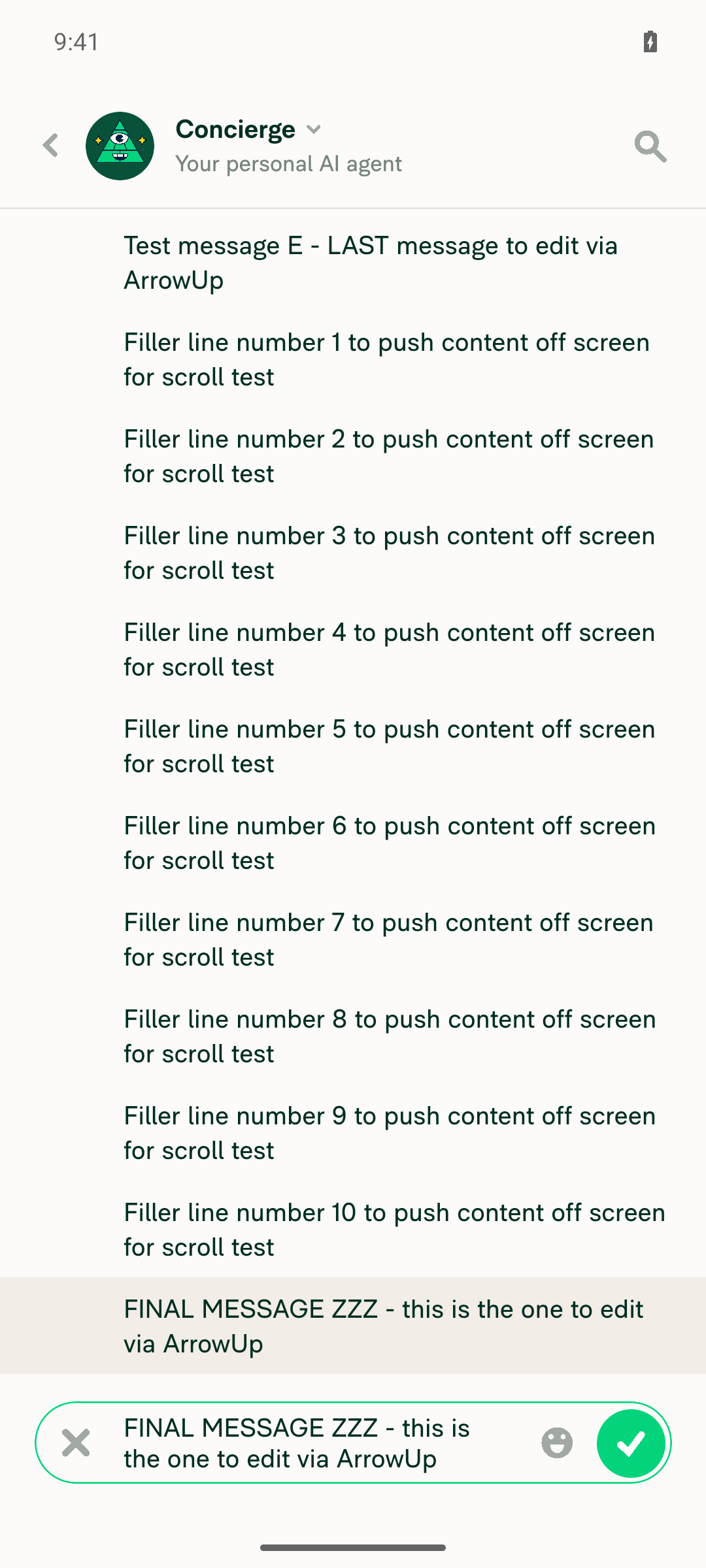
The documented steps can't be exercised on Android native. The ArrowUp-to-edit hotkey is gated off on any narrow-layout touch device by src/libs/ComposerUtils/index.ts:28, which returns true whenever isSmallScreenWidth && canUseTouchScreen() — and canUseTouchScreen always returns true on native. So handleKeyPress returns before reaching the ArrowUp branch this PR modifies. That matches the linked issue, which lists only Windows Chrome and macOS Chrome/Safari as affected. Two key-injection methods (adb keyevent 19 and a raw KEY_UP sendevent against the AVD keyboard) produced no effect. The regression path — long-press → Edit comment — still opens a focused inline editor with the message visible.

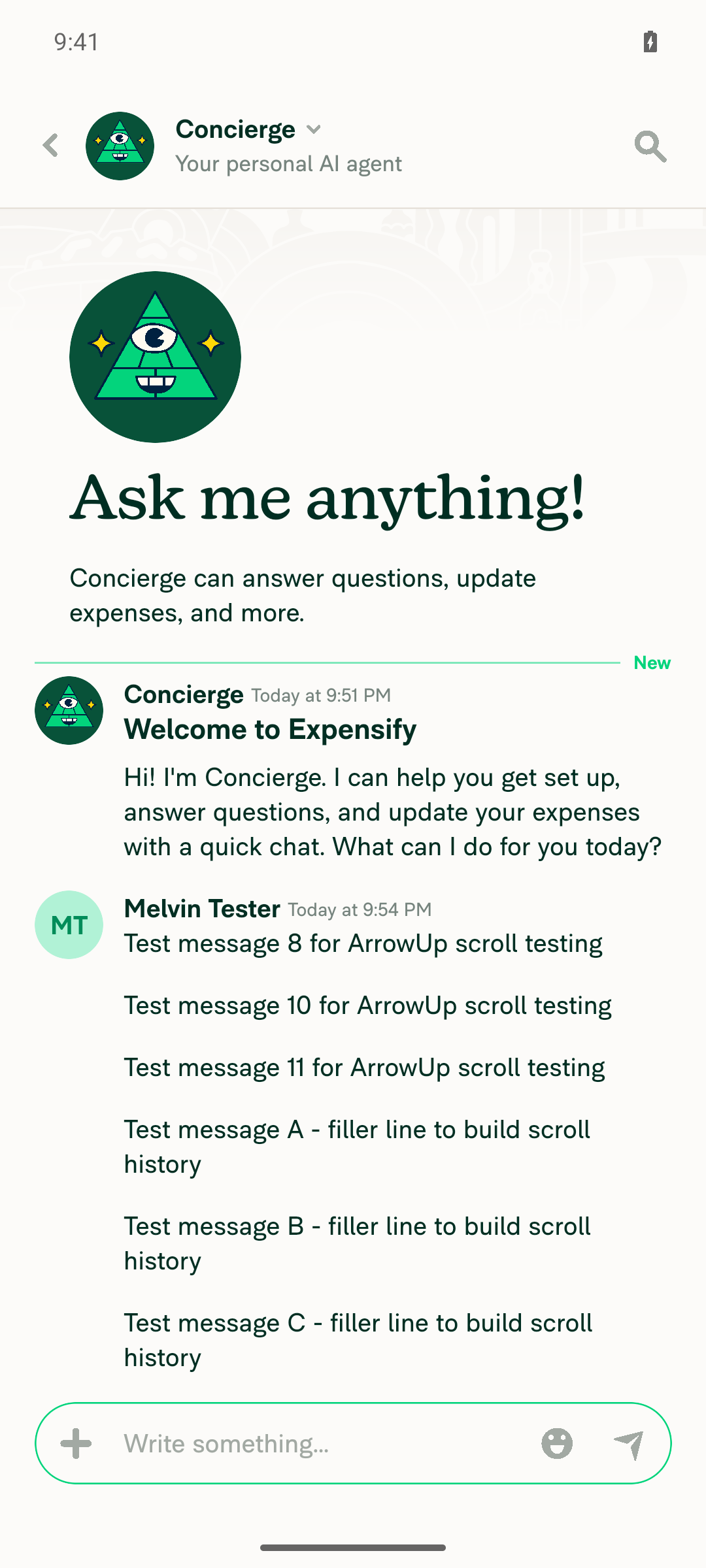
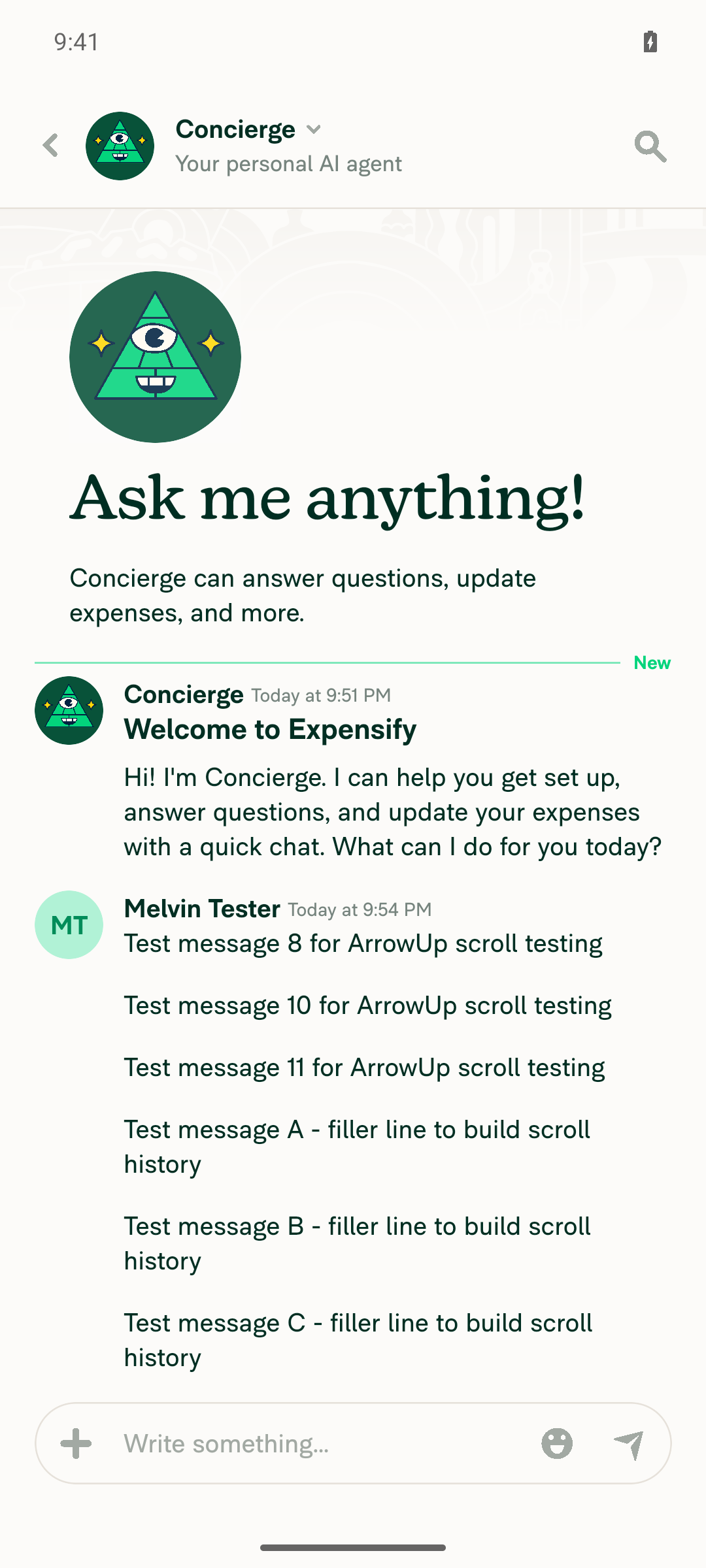
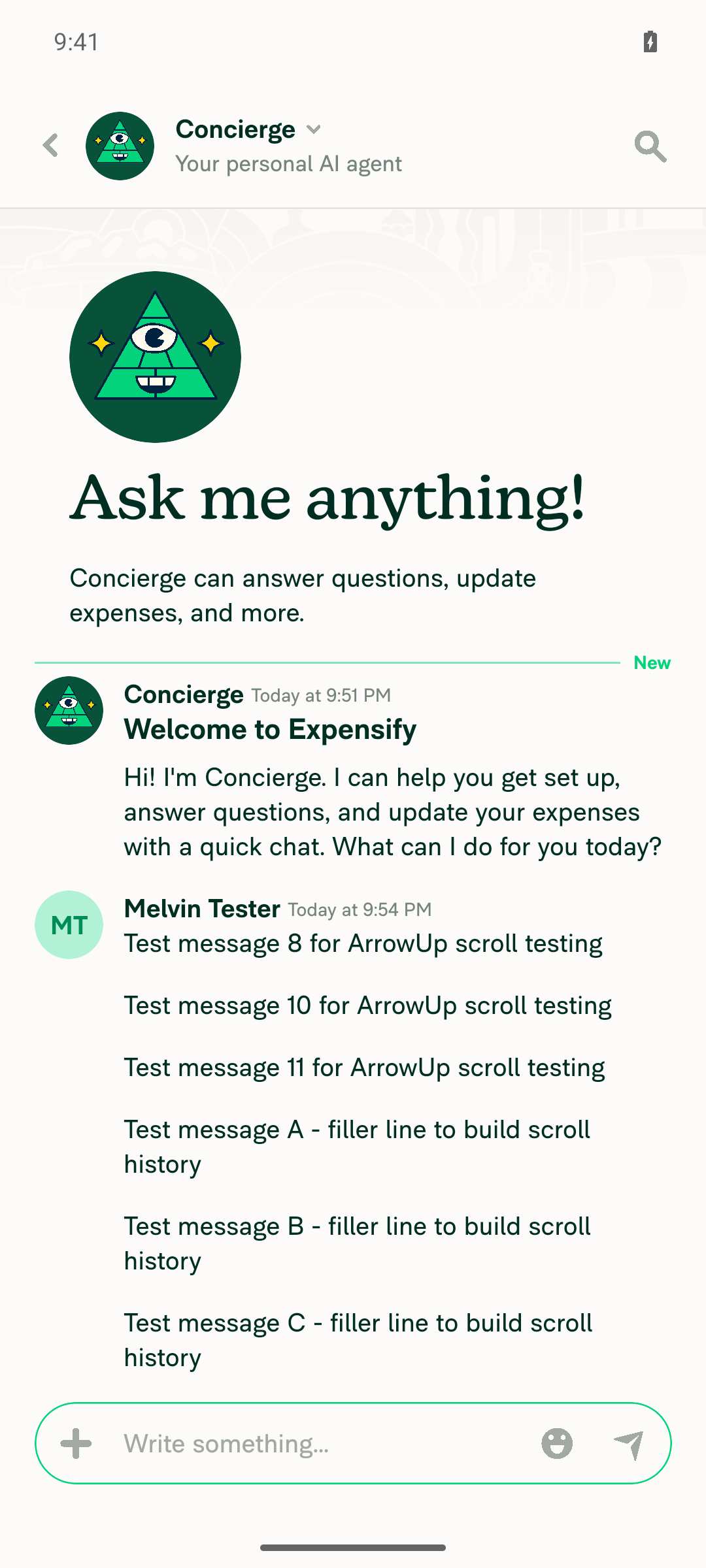
Setup caveat: the test account had no workspaces, so no chat with consecutive report previews existed. The tester built 14 messages in the Concierge chat to get scrollable history instead. That reproduces the "target message is outside the render window" precondition but not the exact report-preview layout from the issue.

Inline editor open via long-press then Edit comment, focused

Step Status
Navigate to a chat with a scrollable message historyNo workspace chat with report previews existed on this fresh test account (no workspaces, only Concierge 1:1). Used the Concierge chat and sent 14 self-authored messages to build a scrollable history.
Concierge chat with several self-authored test messages, scrollable
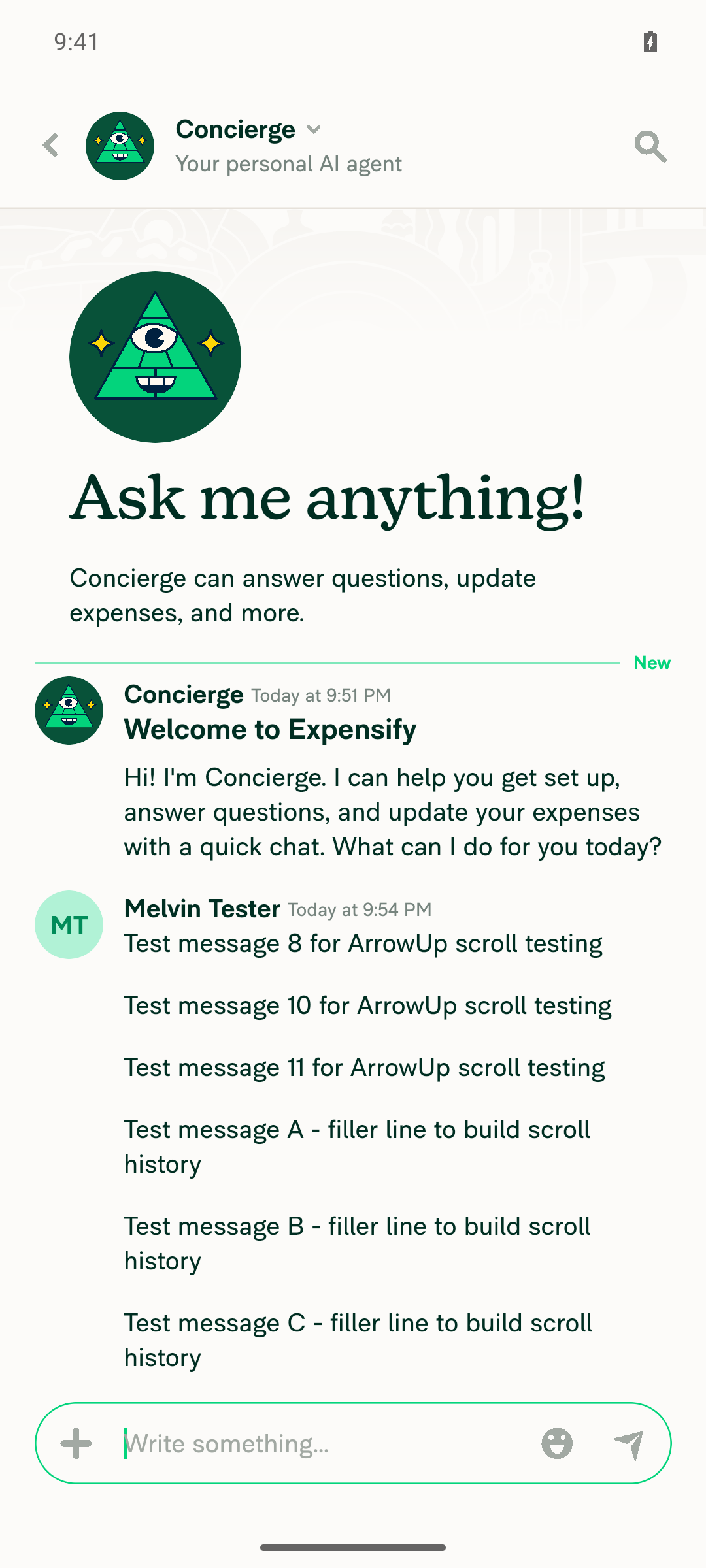
Scroll up so the newest editable message is out of viewScrolled to the top of the conversation; a selector lookup for the newest message text returned not-found in the accessibility tree, confirming it was off-screen.
Chat scrolled to top; newest message not visible
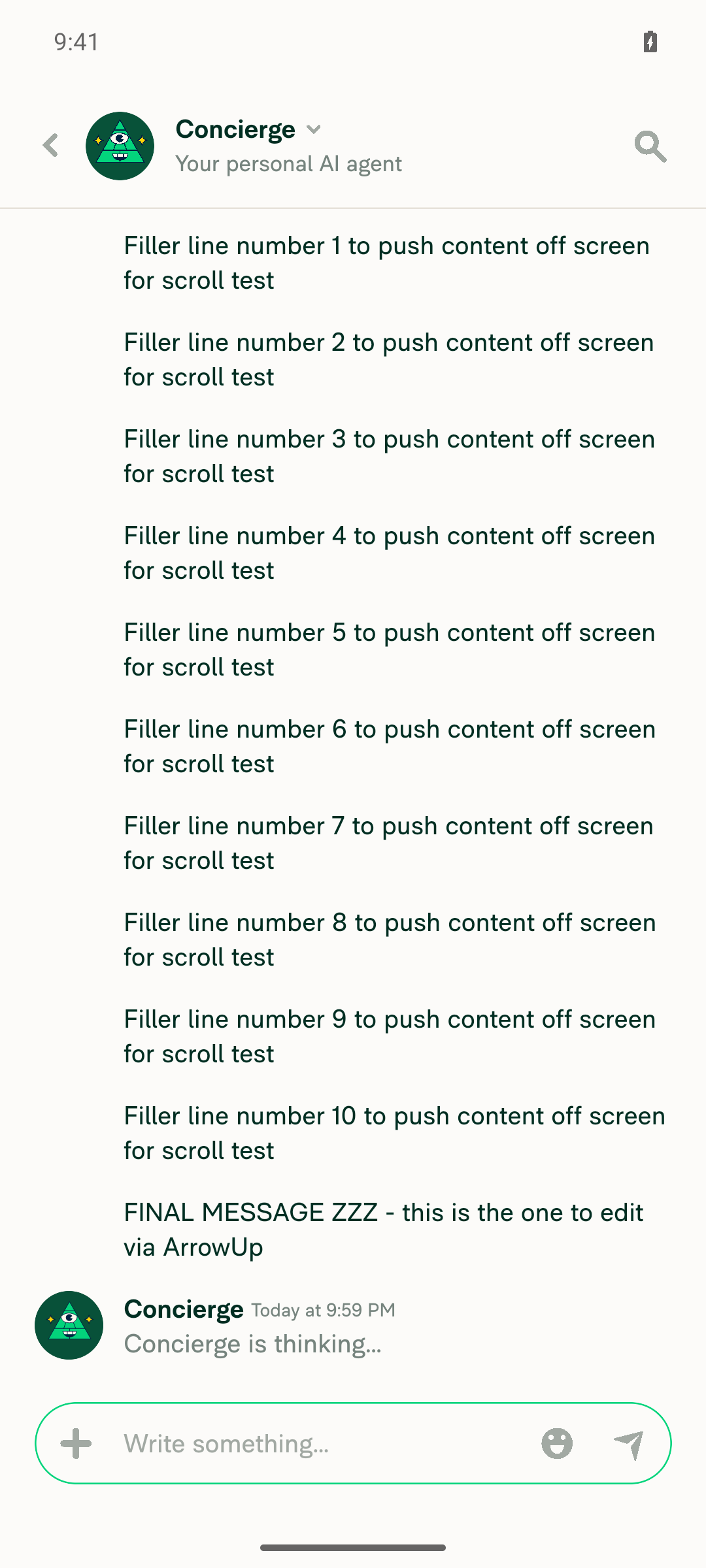
With composer empty and focused, ArrowUp/DPAD_UP is registered by the appComposer confirmed empty and focused before each attempt. adb shell input keyevent 19 (KEYCODE_DPAD_UP) moved view focus off the composer onto a nearby Details button — Android D-pad navigation consumed the key. A raw sendevent KEY_UP (code 103) against the AVD's virtual keyboard kept composer focus but had no effect. No console errors either way.
Composer empty and focused before sending ArrowUp
Screen unchanged after adb keyevent 19
After ArrowUp, newest editable message enters edit mode, scrolls into view, and is focusedNothing happened in either attempt: no inline editor mounted, no scroll, list unchanged. The soft keyboard was never shown, so isKeyboardShown was not the gate — isSmallScreenWidth && canUseTouchScreen() was. Pre-existing gate, not something this PR changes.
Screen unchanged after raw KEY_UP sendevent injection
Regression: long-press newest message → Edit comment opens a focused inline editor with the message visibleLong-pressed the newest message → context menu → Edit comment → inline editor appeared containing the exact message text, focused=true, visibleToUser=true; the source row stayed highlighted and on-screen.
Inline editor open via long-press then Edit comment, focused

The fix itself still needs verification on desktop web, where the bug actually reproduces. Android shows no regression.


view run · view recording

@MelvinBot
MelvinBot marked this pull request as ready for review September 4, 2026 22:13
@MelvinBot
MelvinBot requested a review from a team as a code owner September 4, 2026 22:13
@melvin-bot

melvin-bot Bot commented Sep 4, 2026

Copy link
Copy Markdown

@FitseTLT @ChavdaSachin One of you needs to copy/paste the Reviewer Checklist from here into a new comment on this PR and complete it. If you have the K2 extension, you can simply click: [this button]

@melvin-bot
melvin-bot Bot requested review from garrettmknight and removed request for a team September 4, 2026 22:13
@MelvinBot

MelvinBot commented Sep 4, 2026

Copy link
Copy Markdown
Contributor Author

Done — this PR is out of draft and your review is requested. Going out of draft also auto-added ChavdaSachin and garrettmknight as reviewers.

Two things still need a human before this can merge:

  • The Tests, Offline tests, and QA Steps sections are still // TODO placeholders. I can't fill those in on your behalf.
  • The fix is desktop-web only. My Android run confirmed the ArrowUp hotkey is gated off on narrow touch layouts, so the flow was never verified on the platform where it actually reproduces — the Screenshots/Videos section is empty for MacOS: Chrome / Safari.

view run · view recording

@chatgpt-codex-connector chatgpt-codex-connector Bot left a comment

Copy link
Copy Markdown

Choose a reason for hiding this comment

The reason will be displayed to describe this comment to others. Learn more.

💡 Codex Review

Here are some automated review suggestions for this pull request.

Reviewed commit: 839039619a

ℹ️ About Codex in GitHub

Codex has been enabled to automatically review pull requests in this repo. Reviews are triggered when you

  • Open a pull request for review
  • Mark a draft as ready
  • Comment "@codex review".

If Codex has suggestions, it will comment; otherwise it will react with 👍.

When you sign up for Codex through ChatGPT, Codex can also answer questions or update the PR, like "@codex address that feedback".


// The action being edited can be scrolled out of the list's render window, in which case its editor never mounts and never
// takes focus. Ask the list to scroll to it so it mounts, gets focused and is visible while it's edited.
requestScrollToEditingAction(lastReportAction.reportActionID);

Copy link
Copy Markdown

Choose a reason for hiding this comment

The reason will be displayed to describe this comment to others. Learn more.

P2 Badge Route scroll requests to the money-request action list

When an expense report takes the shouldDisplayMoneyRequestActionsList branch in MoneyRequestReportView, this shared composer still creates the request, but only ReportActionsList consumes it; MoneyRequestReportActionsList never reads or clears the request. If the newest editable comment is outside that unified FlashList's render window, pressing ArrowUp therefore still leaves the inline editor unmounted and unfocused. Handle the request in both list implementations or place the handling in their shared list infrastructure.

Useful? React with 👍 / 👎.


// A message put into edit mode from the composer (ArrowUp) can sit outside the list's render window, so its editor never mounts and never
// takes focus. Scroll to it here, where the rendered indexes are known, so the row mounts and the message stays visible while it's edited.
const {pendingScrollToEditingReportActionID} = useReportActionActiveEdit();

Copy link
Copy Markdown

Choose a reason for hiding this comment

The reason will be displayed to describe this comment to others. Learn more.

P2 Badge Avoid subscribing the full action list to per-keystroke edit state

While a message is being edited, setEditingMessage and setCurrentEditMessageSelection update fields in this same context on essentially every keystroke or selection change. Adding useReportActionActiveEdit() here makes the entire ReportActionsListContent rerender whenever any of those unrelated fields change, repeatedly rebuilding list props and callbacks for large histories while the user types. Put the pending scroll ID in a narrowly scoped context or event channel so the list subscribes only to scroll requests.

Useful? React with 👍 / 👎.

@garrettmknight garrettmknight left a comment

Copy link
Copy Markdown
Contributor

Choose a reason for hiding this comment

The reason will be displayed to describe this comment to others. Learn more.

Looks good from a product perspective, but this is a pretty niche bug. Let's fix it while we're here.

Sign up for free to join this conversation on GitHub. Already have an account? Sign in to comment

Labels

Melvin-Test-Android Melvin-Test-Web Triggers Melvin to run the testing steps of the PR on web

Projects

None yet

Development

Successfully merging this pull request may close these issues.

3 participants