🟢 Not technical? Follow the easy guide (easy-read) — install DarkMoon in the cloud with one command.
Your cloud, your infrastructure, DarkMoon — one command, no box, no marketplace.
Customers keep asking the same question: "Do you sell a hardware box?"
The answer is no. DarkMoon Pro is software-defined and self-hosted. It runs on any cloud (AWS, GCP, Azure, OVH) or on bare metal, and it deploys with one command. There is no proprietary appliance, no vendor SDK to link against, and no cloud-marketplace listing required. One mechanism works everywhere.
This repository is documentation only. The DarkMoon Pro engine itself is
licensed/commercial software (see License); nothing here ships product
source code. What you get here is the how: three copy-paste ways to stand up a
DarkMoon node in the cloud, how to size it, which network flows to open, how to keep the
keys out of instance metadata, and how to operate the node with darkmoon doctor.
On any fresh Linux VM (or bare-metal host) with outbound HTTPS:
curl -fsSL https://portal.dark-moon.org/cloud | sudo DARKMOON_LICENSE_KEY=<KEY> bash -s -- \
  --provider anthropic --model claude-opus-4-6 --api-key sk-ant-...
That single command:
- installs Docker Engine + Compose v2 (via the official
get.docker.com), - fetches and runs the DarkMoon
install.shnon-interactively (Pro license required), - runs
darkmoon doctorto verify the node is healthy.
When it finishes, the VM is a DarkMoon node: open the dashboard on its ui_port
(default 80) and start a campaign.
DarkMoon Pro is licensed software. You need a valid license key (
DARKMOON_LICENSE_KEY) — the one-liner above will refuse to install without it.
| Path | You are here | Best for |
|---|---|---|
| One command | An SSH session on a Linux VM / bare metal | A machine you already have |
| One click | The cloud console's "launch instance" wizard | Standing up a VM and DarkMoon in one go |
| One command (Terraform) | Your laptop or a browser CloudShell | Repeatable, reviewable infrastructure-as-code |
All three converge on the same install.sh and the same node. There is no
per-cloud fork and no special build.
Start with the overview, then pick your cloud.
- Overview — no box, no marketplace, one mechanism everywhere
- One command — the
cloud-install.shone-liner, every flag - Per cloud (console user-data + Terraform + CloudShell):
- Portainer — deploy the open source CLI as a Portainer App/Custom Template
- Sizing — profiles mapped to instance types
- Network — the flows to open in the security group / firewall
- AI modes — Connected, Private, Local
- Security — never inline secrets; use the cloud secret manager
- Doctor & lifecycle — operate the node, not the containers
- Troubleshooting — edge cases, symptom → fix, doctor-first
- FAQ — "Do you sell a hardware box?" and "Why no marketplace?"
- This is vendor-neutral deployment documentation you can copy, fork and adapt.
- This is not the DarkMoon Pro engine. The engine is licensed/commercial software
distributed as container images and installed by
install.sh; it is not in this repo.
The documentation in this repository is released under CC BY 4.0 — copy it, adapt it, share it, with attribution.
The DarkMoon Pro engine itself is licensed/commercial software and is not covered by this license. The engine requires a valid DarkMoon Pro license key at install and runtime.
DarkMoon Pro is developed by ASC-IT. This repository documents deployment only.
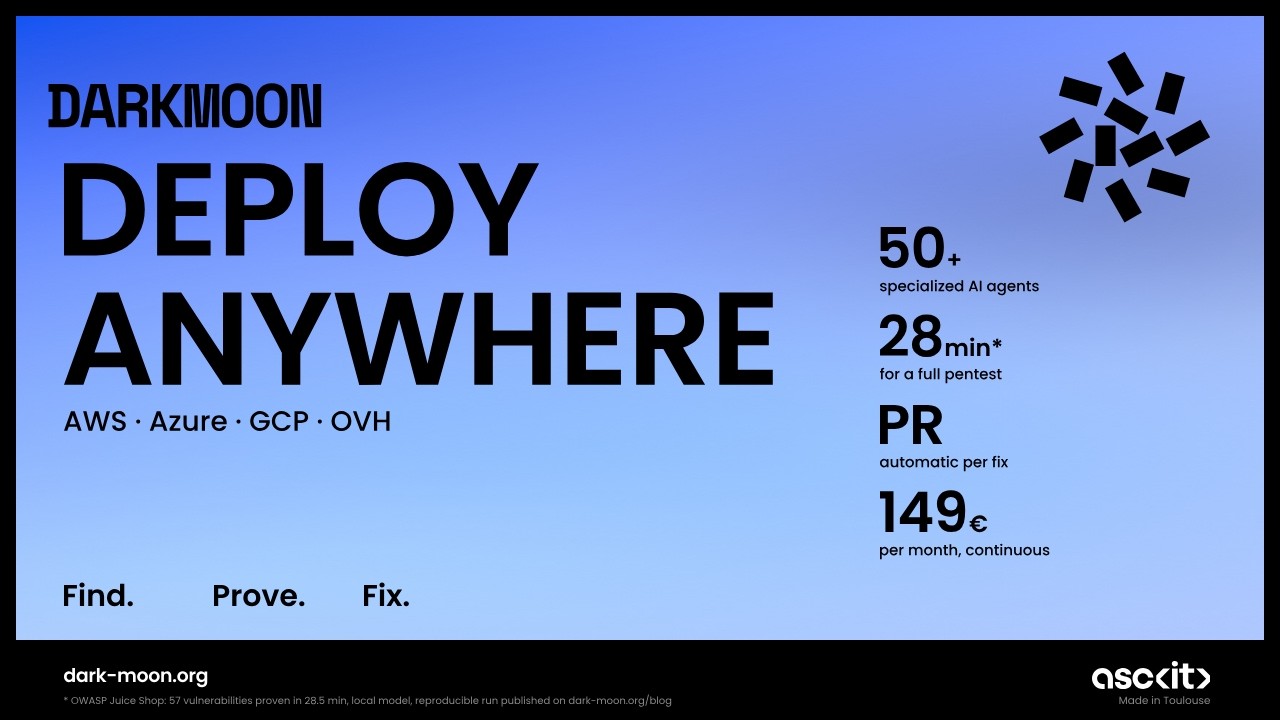
▶ Watch the full Darkmoon + Cloud deployment tutorial on YouTube — real setup, end to end.
Darkmoon is an open-source, AI-powered penetration testing platform. It runs a full autonomous assessment and this integration brings the results into your Cloud deployment workflow.
- ⭐ Flagship (star it): https://github.com/ASCIT31/Dark-Moon
- 📚 Docs: https://docs.dark-moon.org
- 🌐 Website: https://dark-moon.org
- 🔗 Related integrations: GitHub Actions